


GoLinks® integrates with
your team's workflow
GoLinks® provides the best way for you to connect with the software you use every day. For a more seamless experience, we're bringing it to some of your favorite tools and apps.


Slack

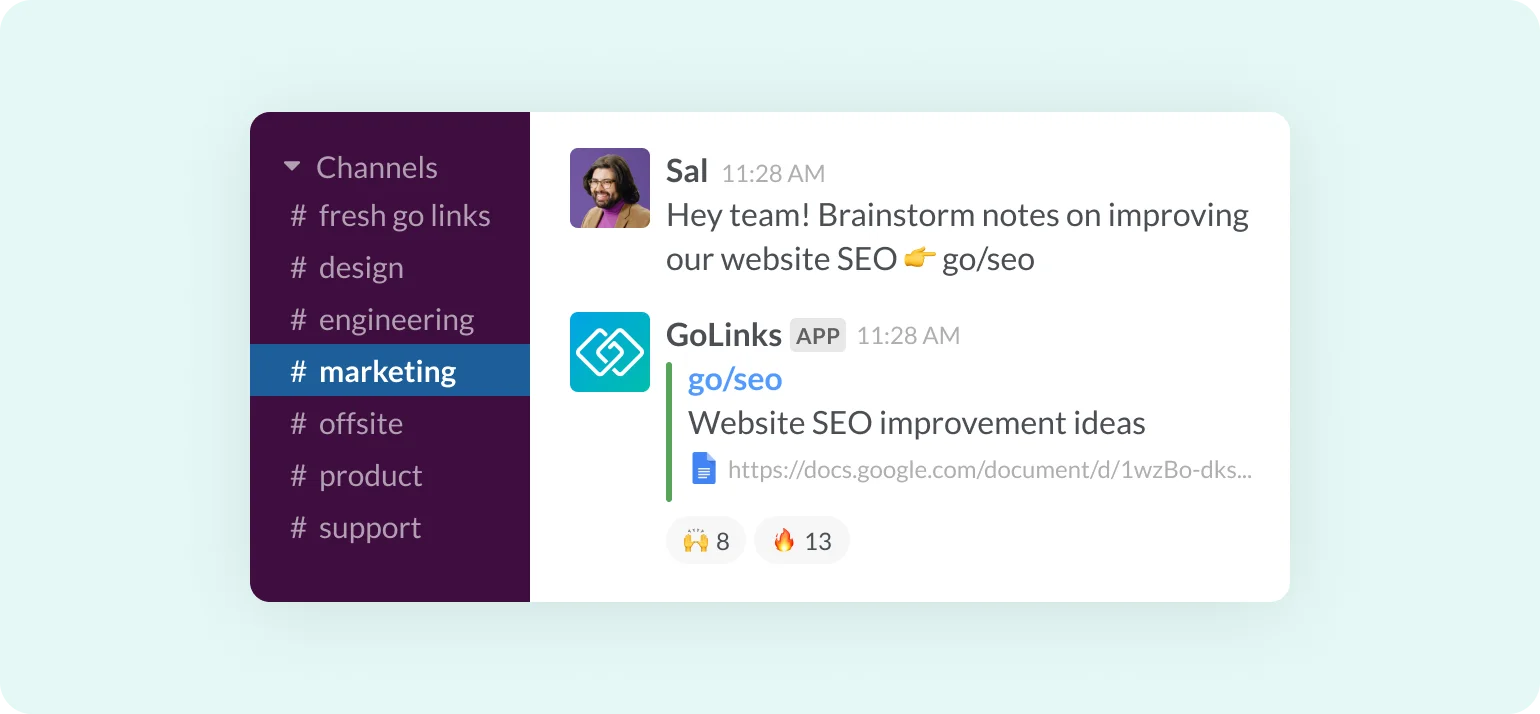
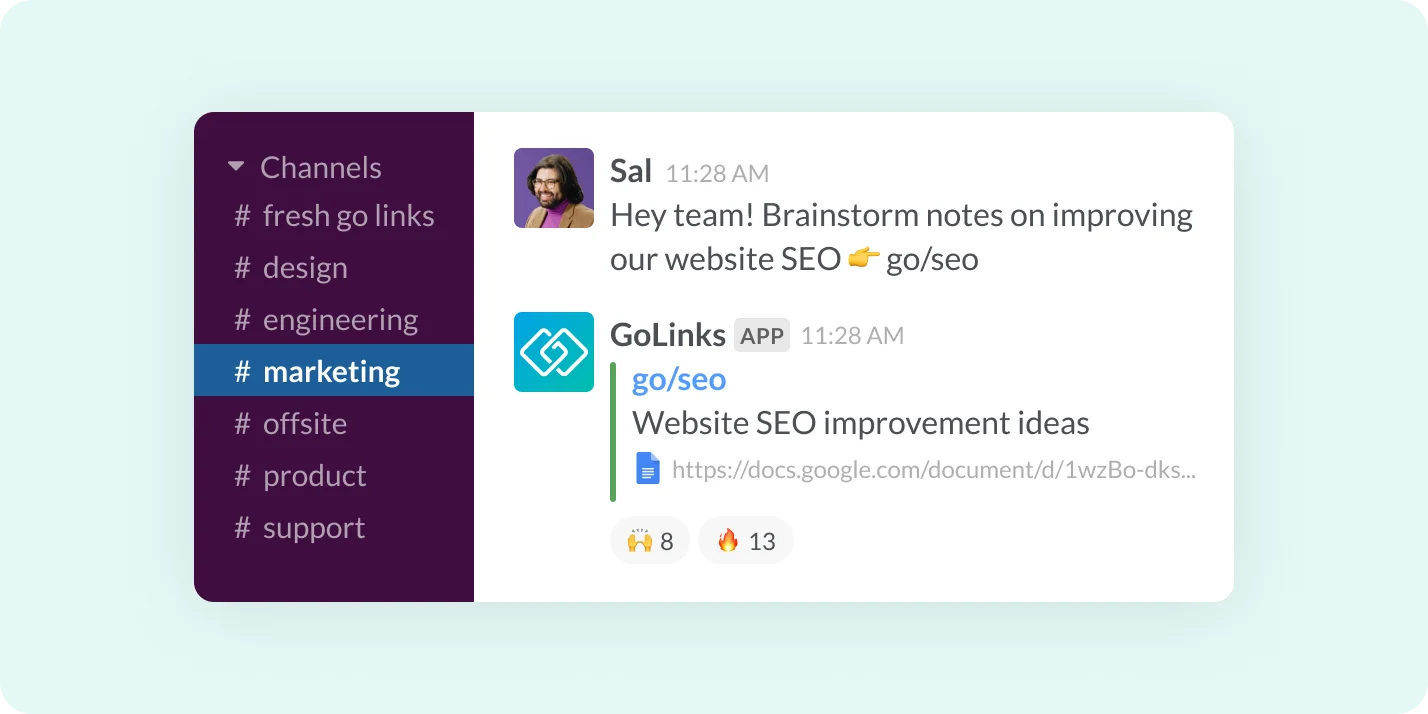
Share clickable Go Links® across channels
Go Links® shared in Slack channels automatically convert into clickable redirects and display an expanded link description and URL preview.
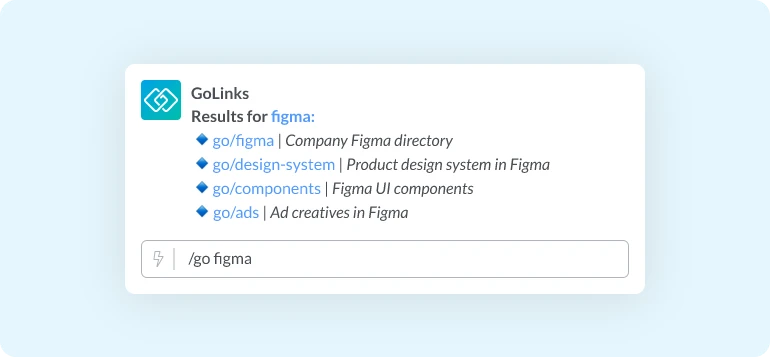
Search for Go Links® right within Slack
Our Slack shortcut lets you search across all company Go Links® to find the resources you need without interrupting your workflow.
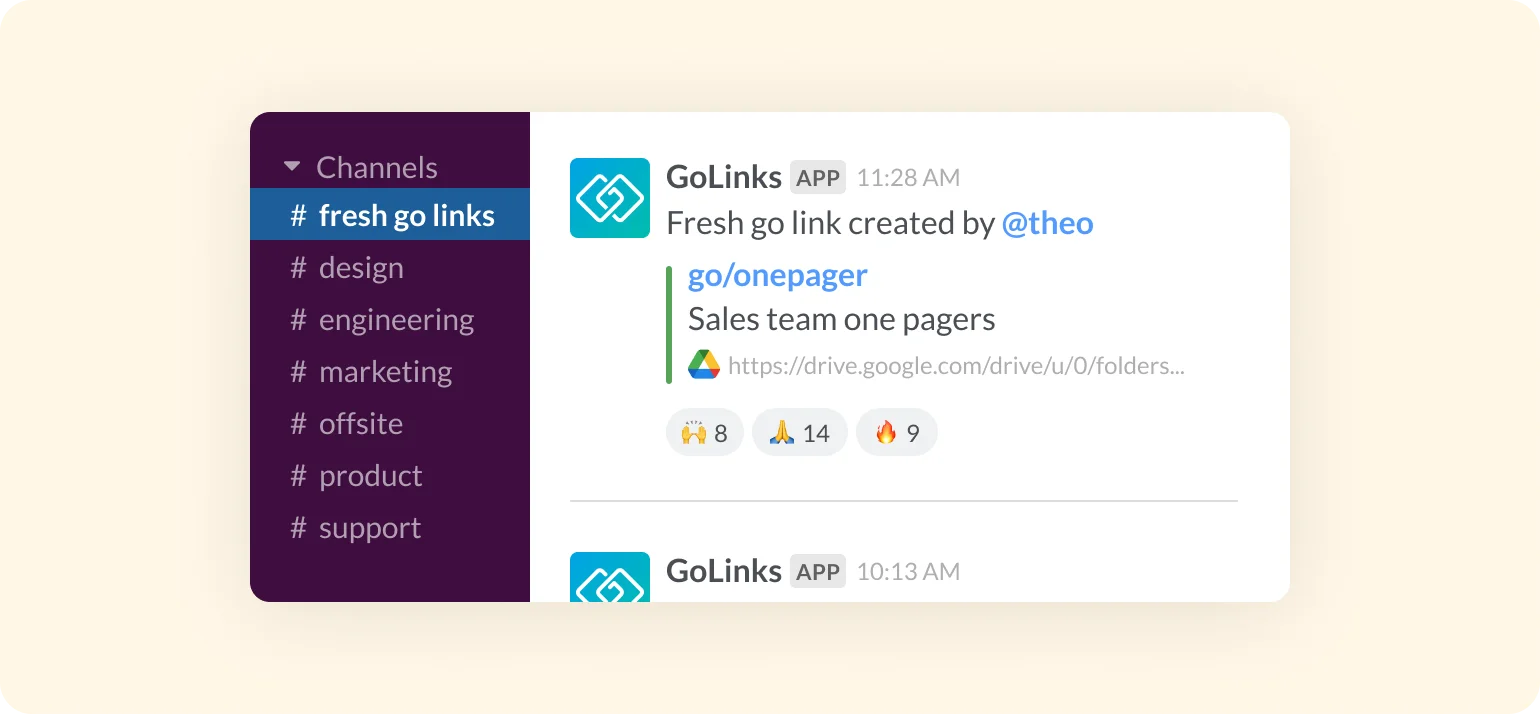
Surface a feed of fresh Go Links® automatically
Keep your team informed with automatic alerts of newly created go links shared as a feed on any public Slack channel.
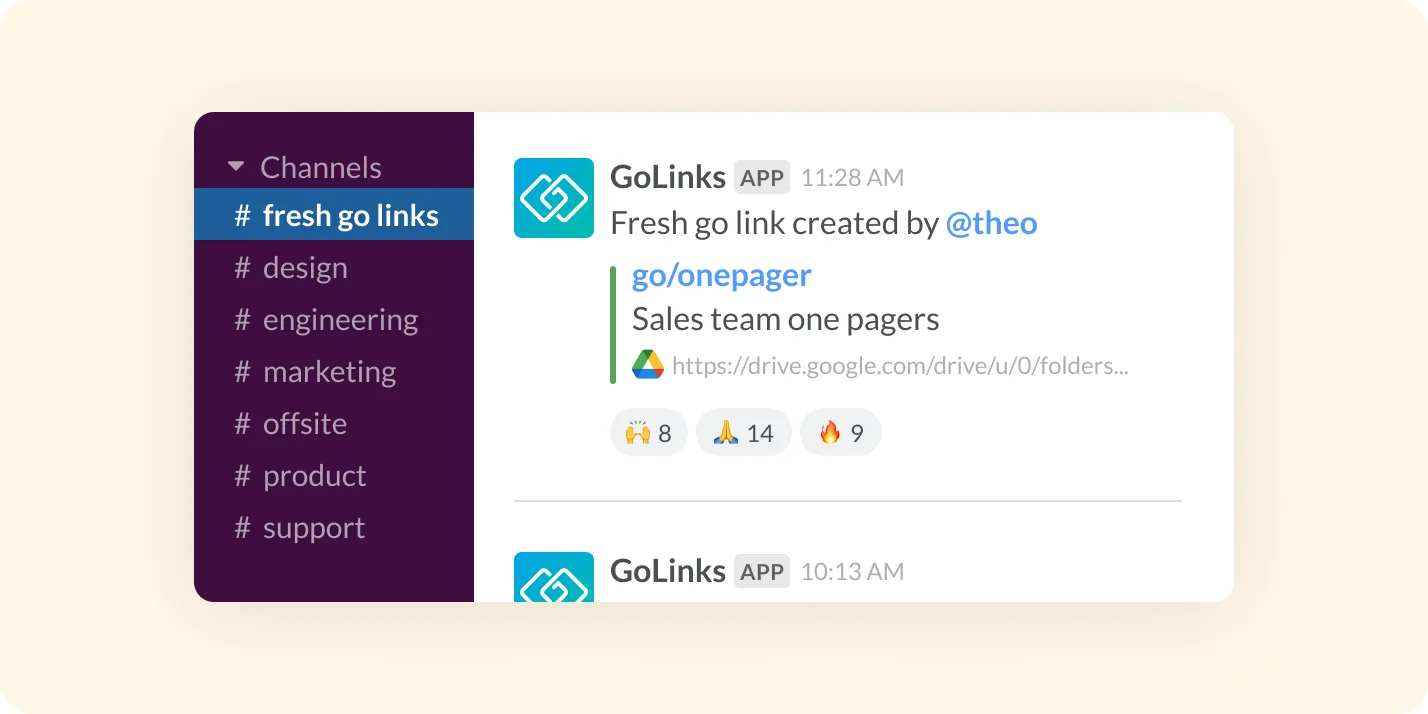
Connect GoLinks® to all public Slack channels with one click
Add the GoLinks® bot to all public channels at once to activate the full benefits of GoLinks® for every Slack channel and user.
Add the free GoLinks® Slack app today
Google Docs
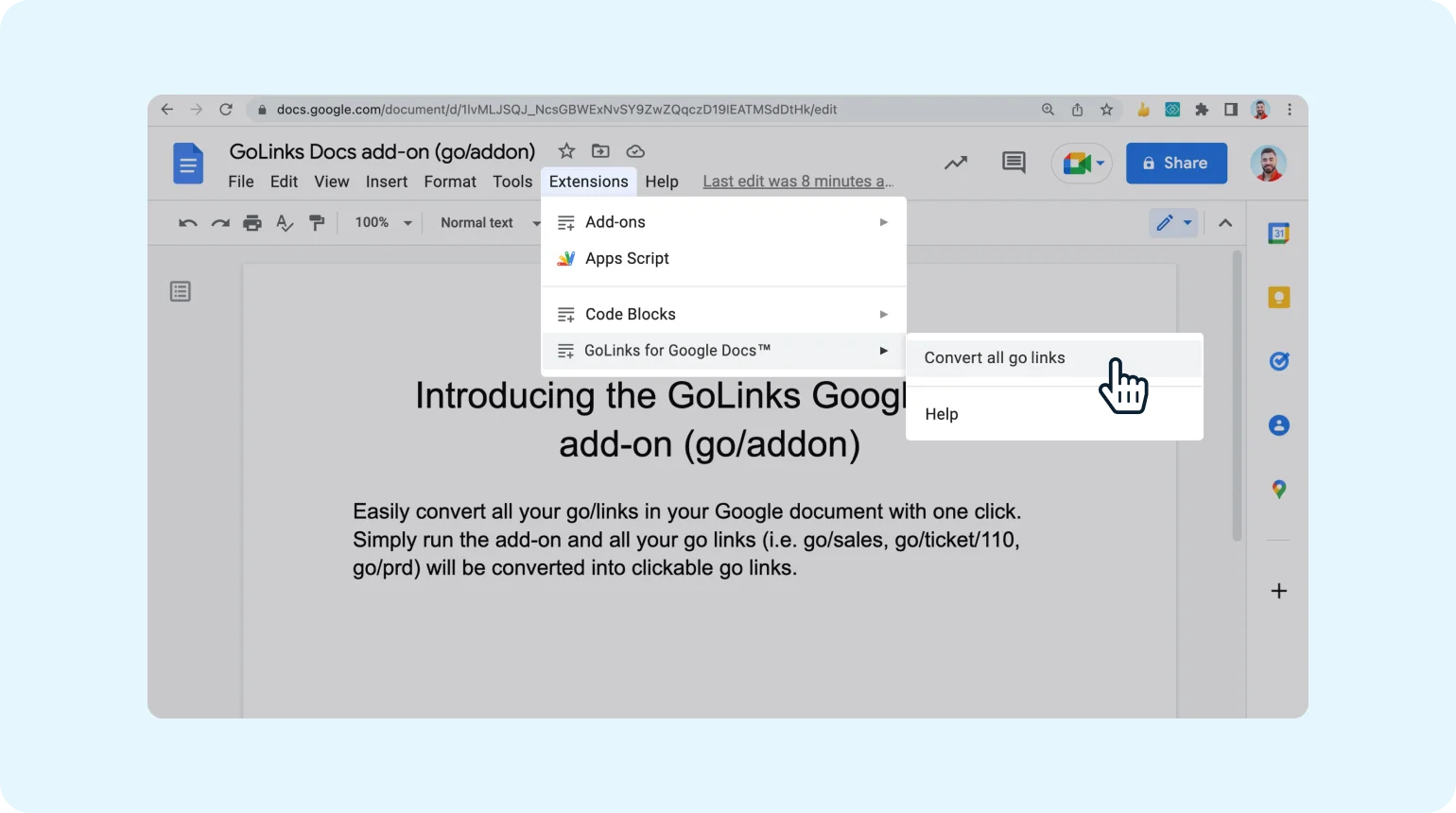
View in Google Workspace MarketplaceClickable Go Links® in your docs
Convert all Go Links® used throughout your doc into clickable Go Links®.
Keep information and resources secure
Destination URLs are hidden and require GoLinks® authentication to access.
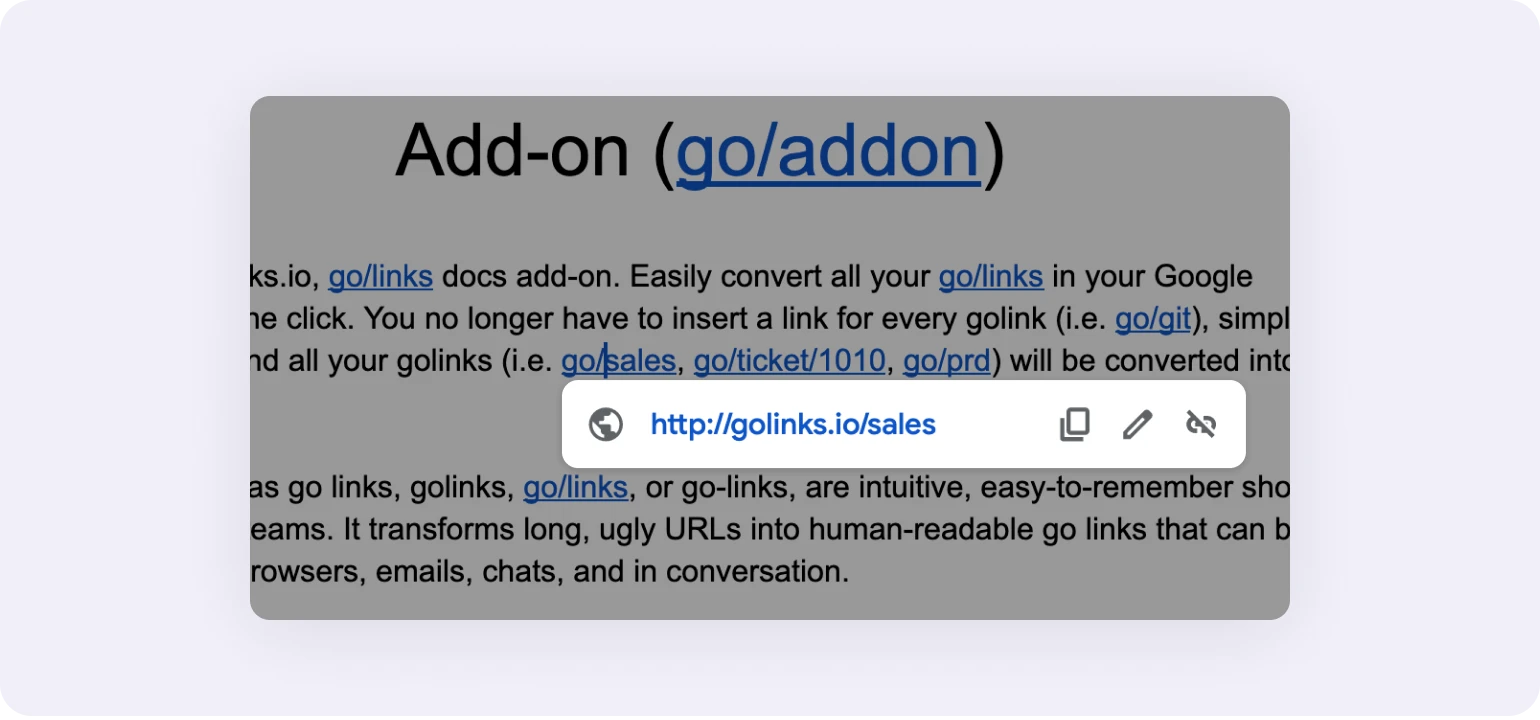
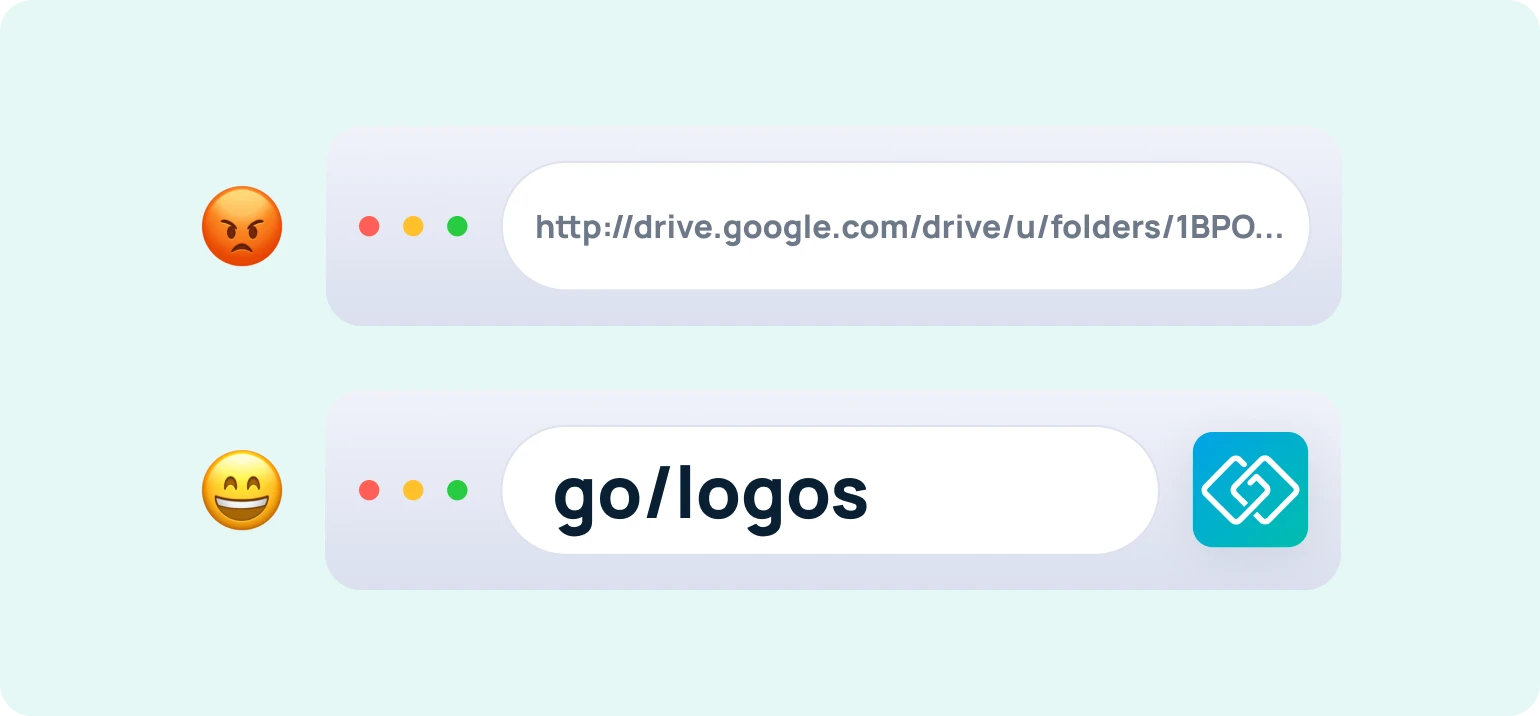
No more messy Google Workspace URLs
Referencing other resources in Google Drive, Sheets, or Slides? Say bye to those ugly URLs.
Add the GoLinks® Google Docs add-on today
View Docs add-onGet clickable Go Links® instantly
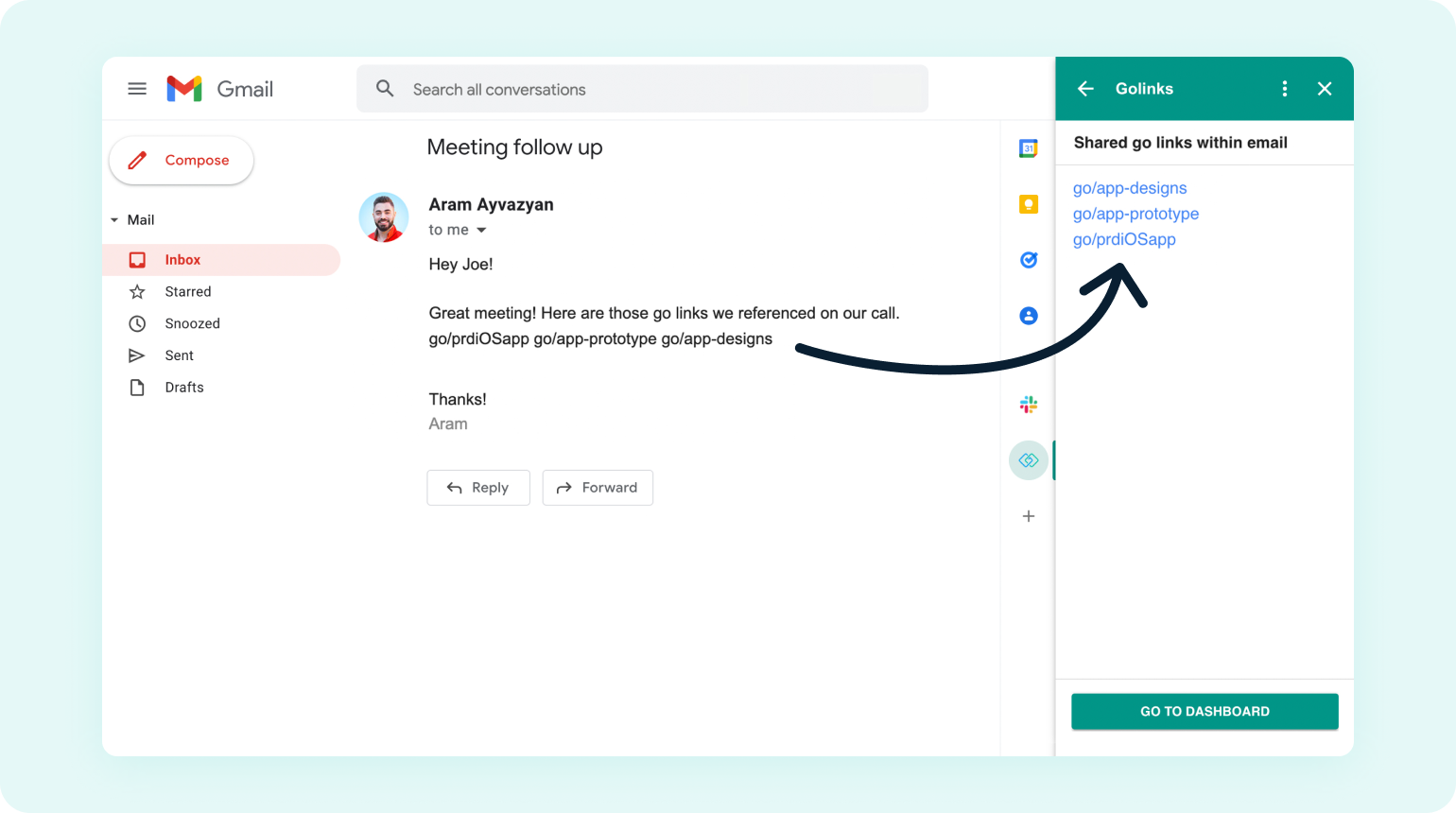
Open the GoLinks® add-on to see clickable Go Links® mentioned within any email.
Easy to install and always accessible
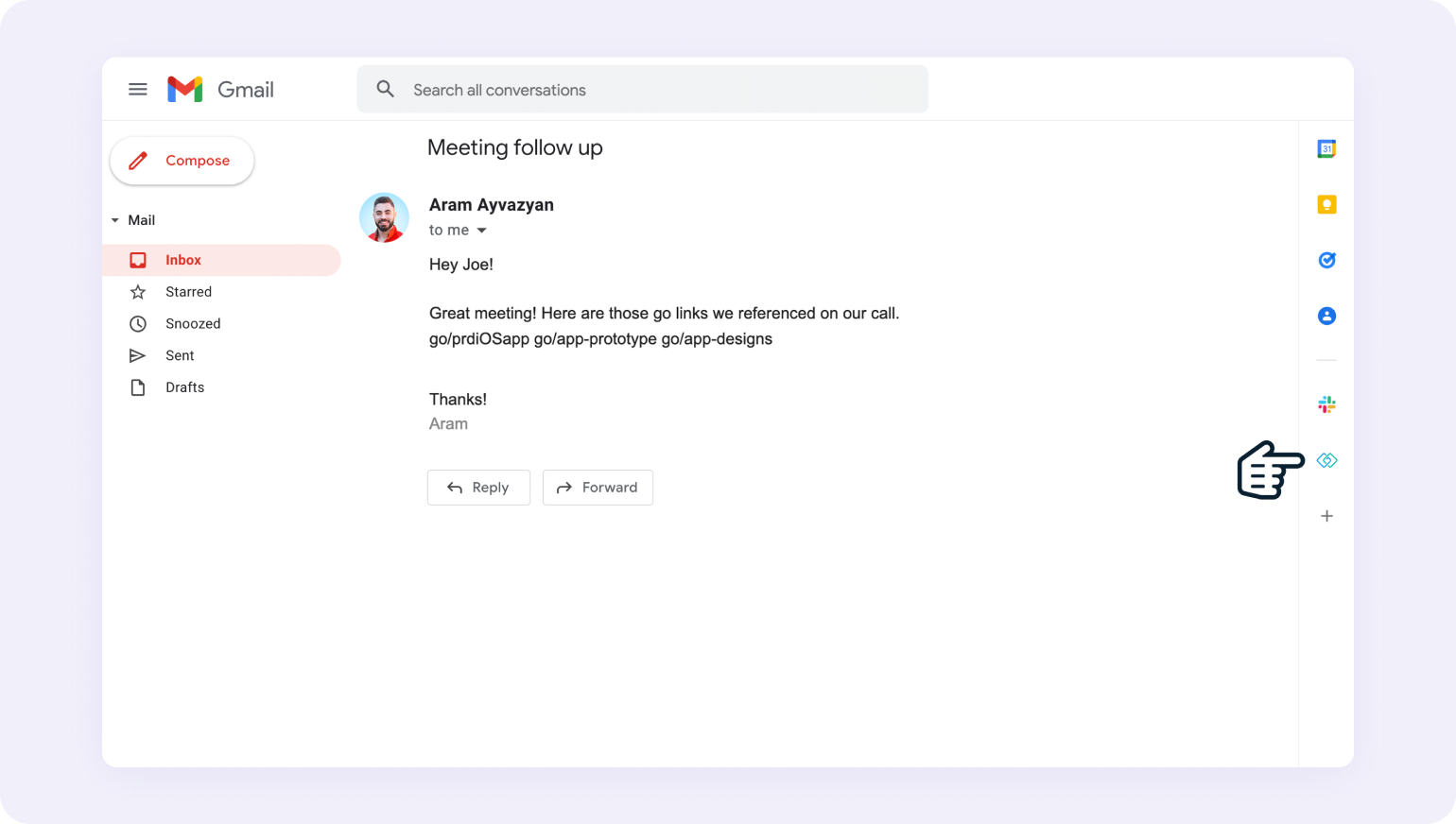
Installing this add-on takes less than a minute and can be opened with a single click.
Add the GoLinks® Gmail add-on today
View in Google Workspace MarketplaceGitHub
View in GitHub MarketplaceDrive consistency in documentation
Structure pull requests consistently and stay organized by directing peers to supporting resources with short Go Links® — not messy URLs.
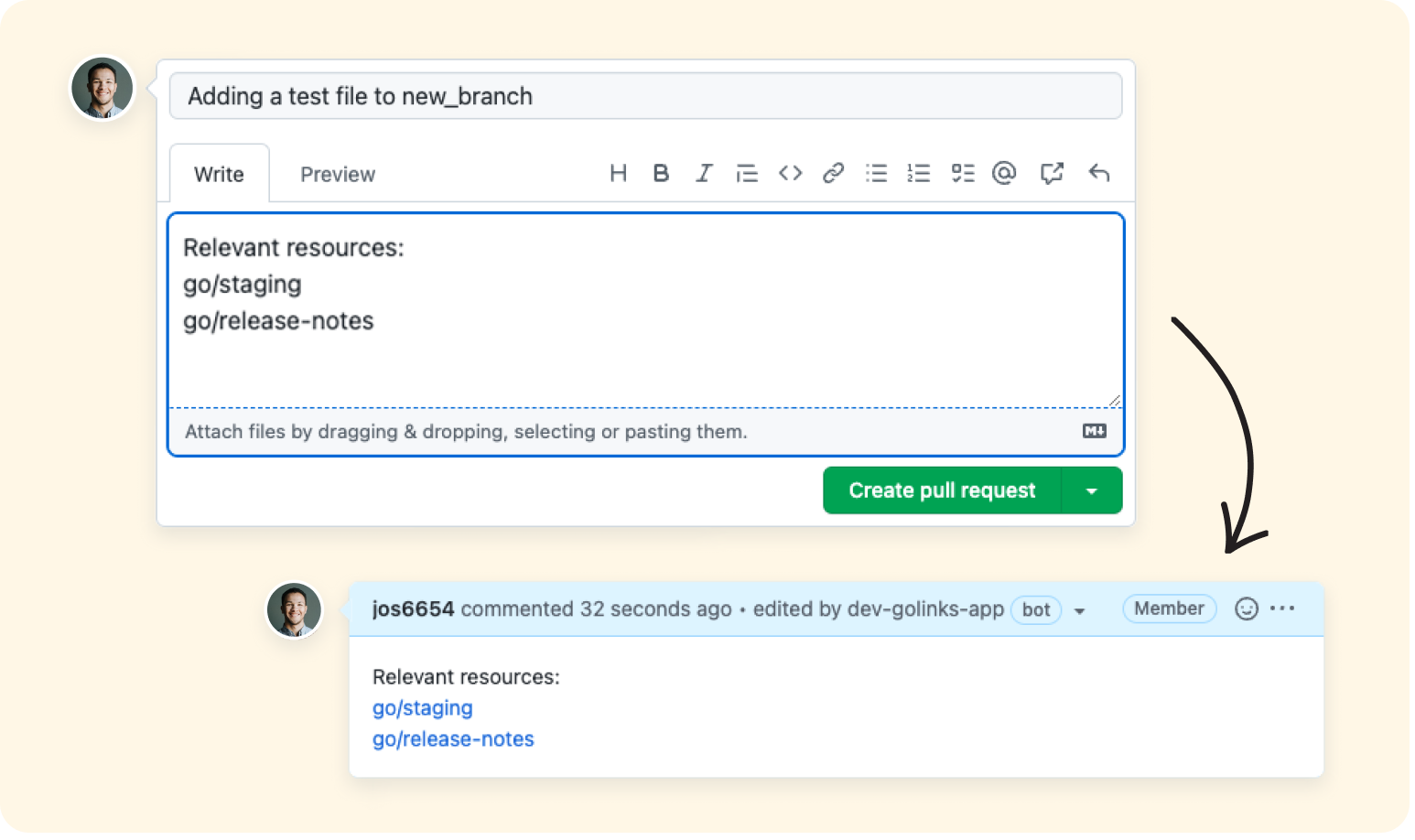
Collaborate asynchronously
Redirect collaborators to guides or documentation by typing Go Links® into comments that automatically convert into clickable links.
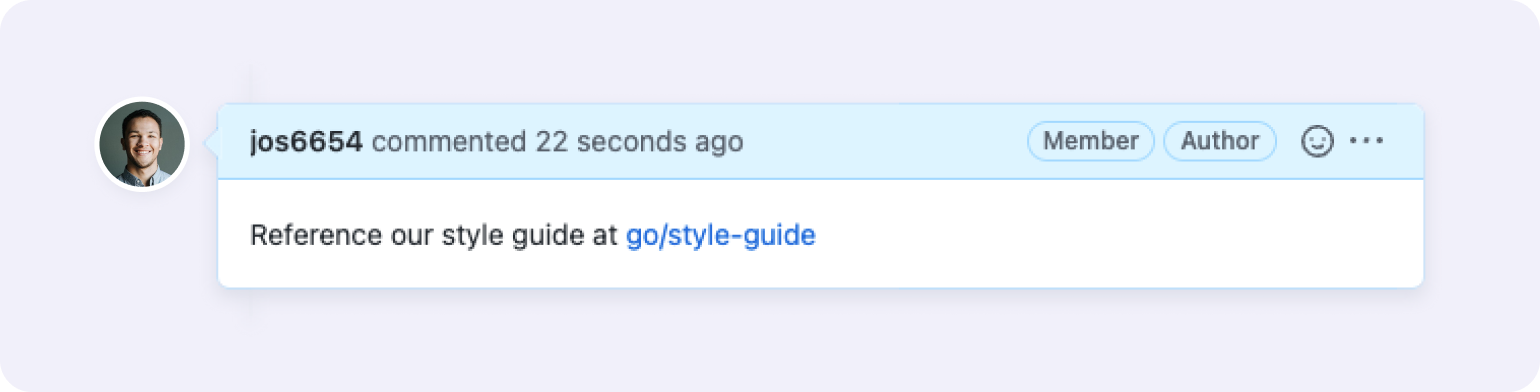
Resolve issues faster
Eliminate issue chaos and reach a resolution faster with Go Links® that cut through the noise to direct reviewers right to relevant context.
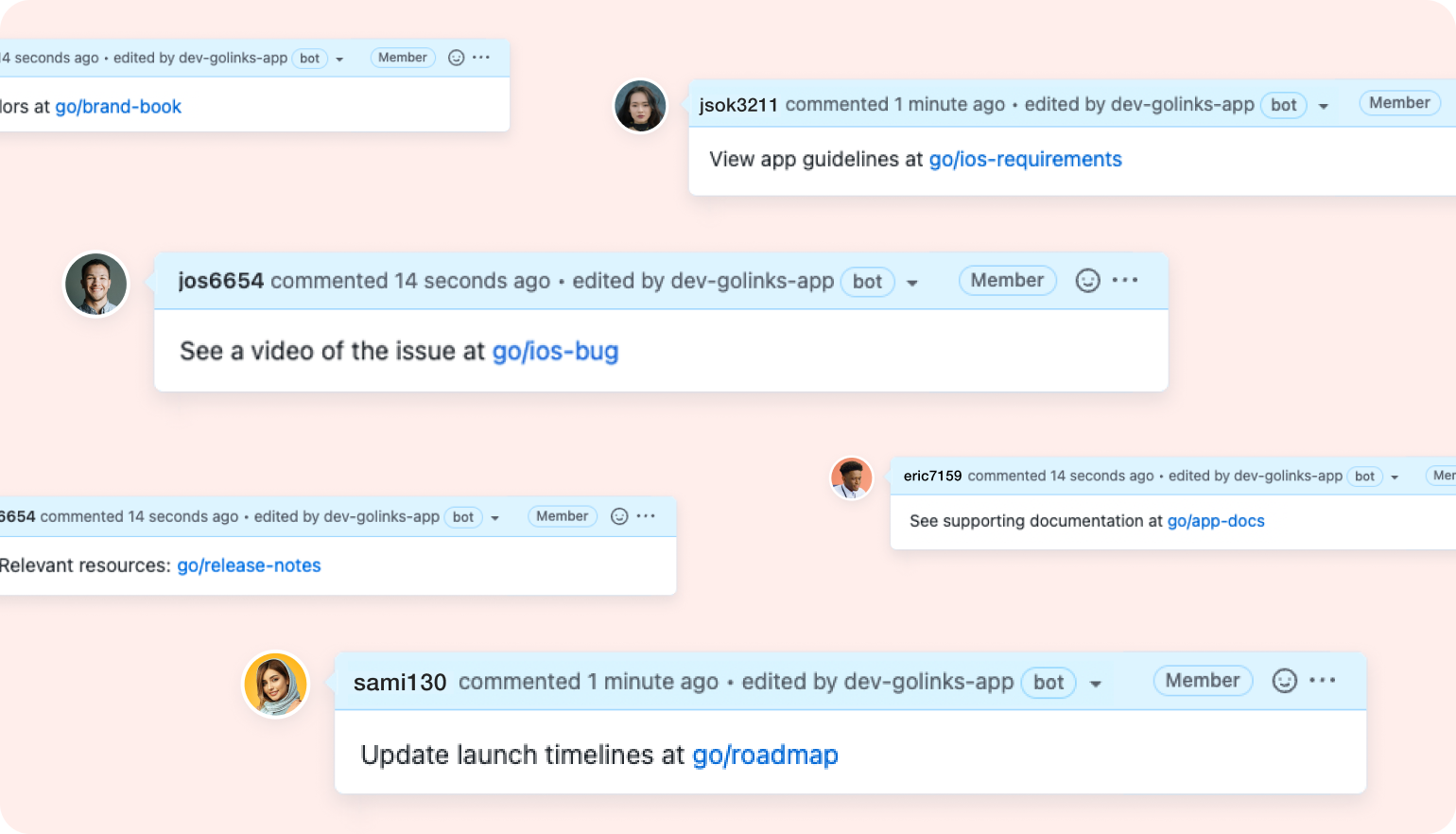
Add the free GoLinks® GitHub app today
View in GitHub MarketplaceNotion
Install Notion integrationCreate new Go Links® automatically
The Notion integration automatically creates Go Links® for new and existing pages in your teamspaces.
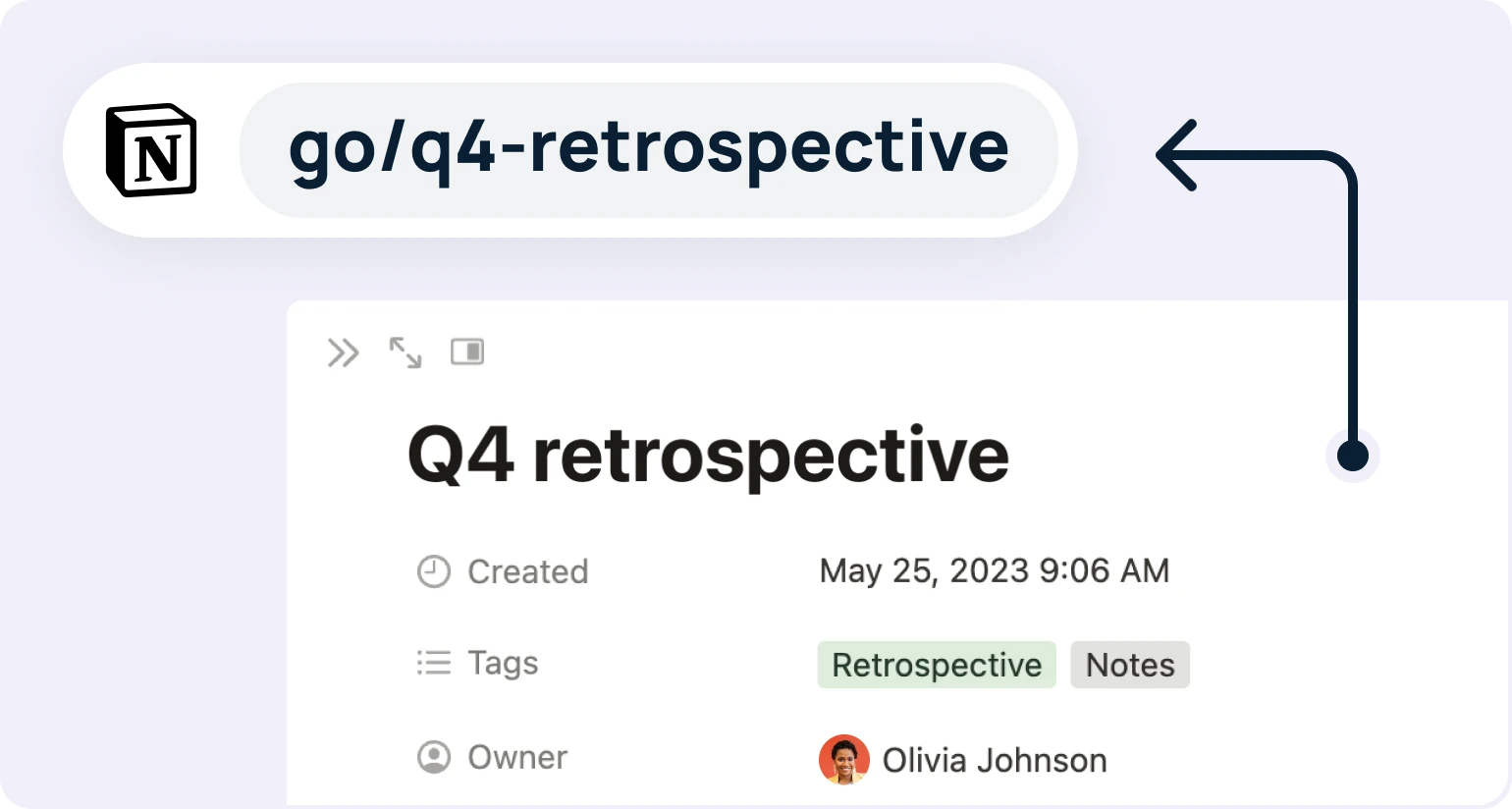
Easily share pages in Notion
Rather than copying long and messy URLs to your pages, share them with teammates using memorable Go Links®.
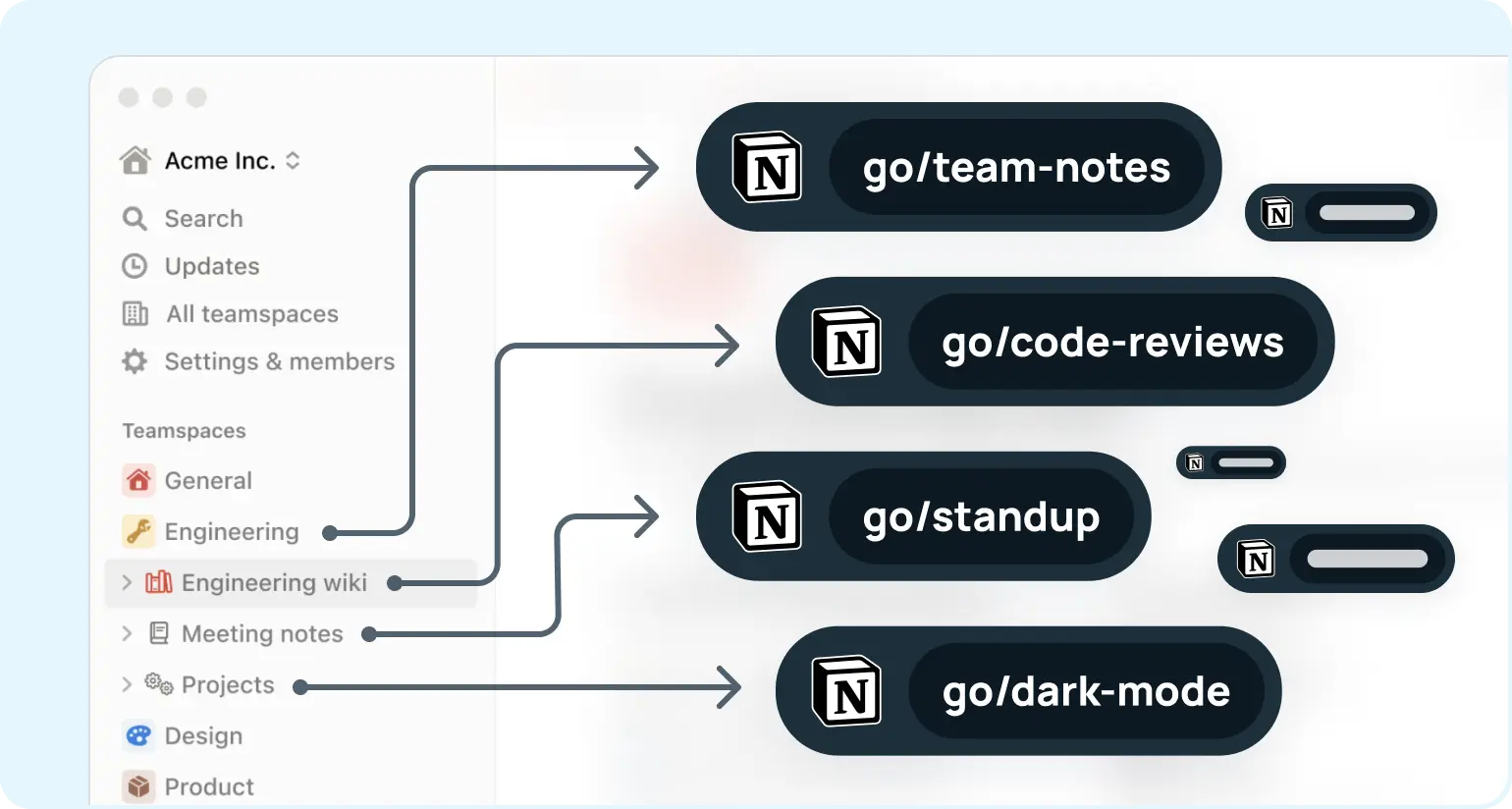
Add the free GoLinks® Notion connection today
Install Notion integrationJira Software
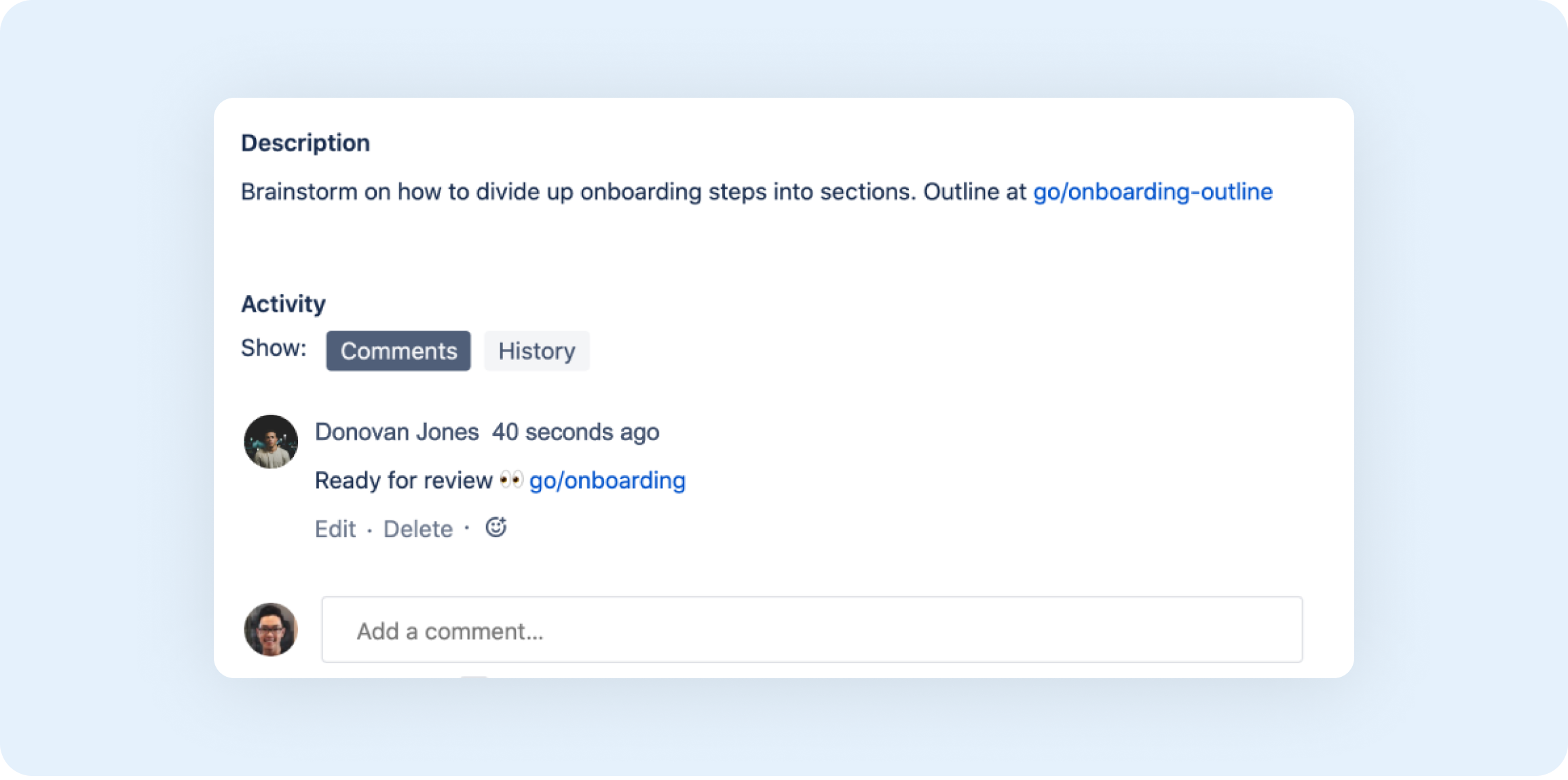
View in Atlassian MarketplaceClickable Go Links® in issue descriptions and comments
Type any go link in issues and the GoLinks® Jira app will automatically turn them into clickable links.
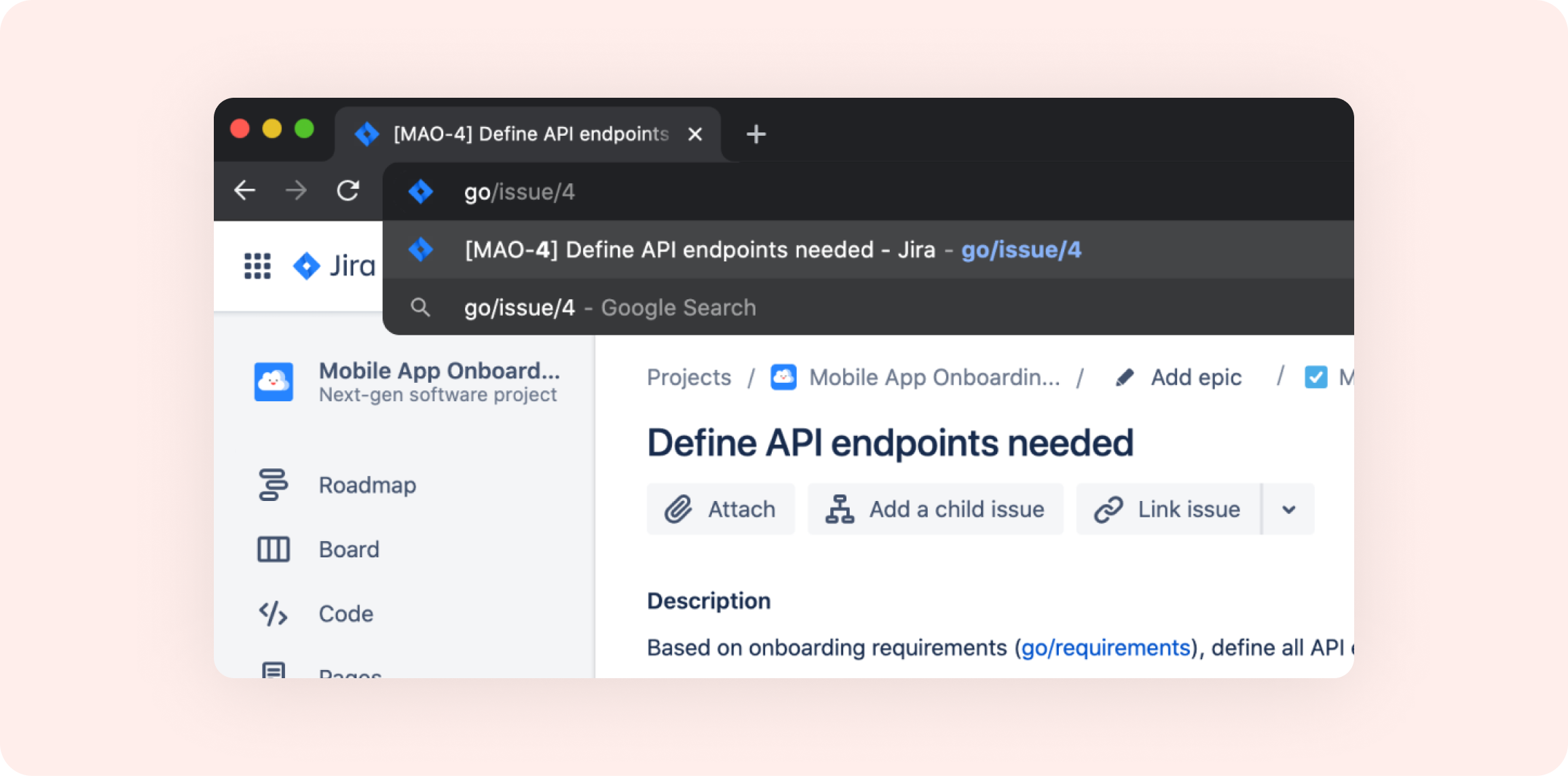
Variable go link to access every Jira issue
Access all Jira project issues using a singular variable go link, eg. go/issue/4 or go/ticket/3. Watch a tutorial on how to use and create variable Go Links®.
Add the free GoLinks® Jira app today
View in Atlassian MarketplaceConfluence Software
View in Atlassian MarketplaceCreate new Go Links® automatically
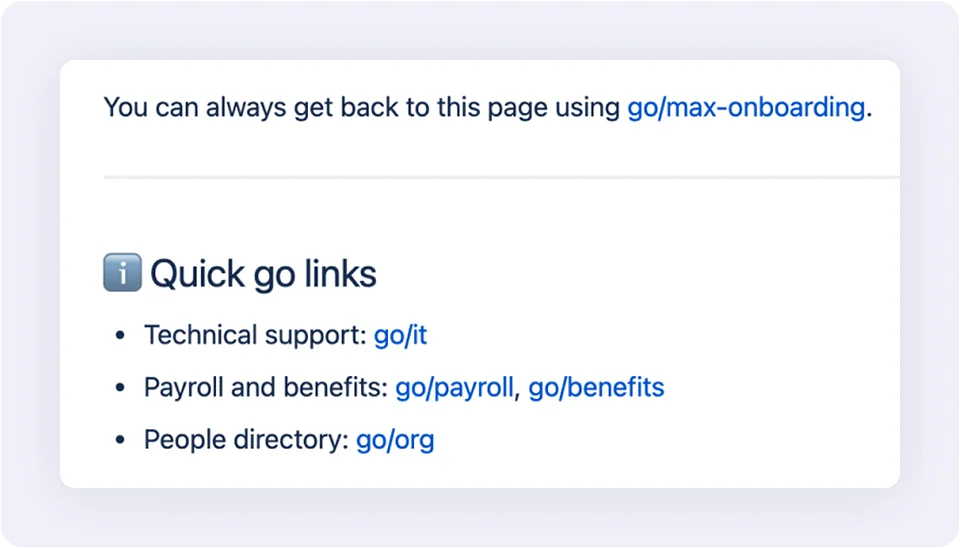
Automatically create Go Links® for every new page that gets published within your Confluence spaces.
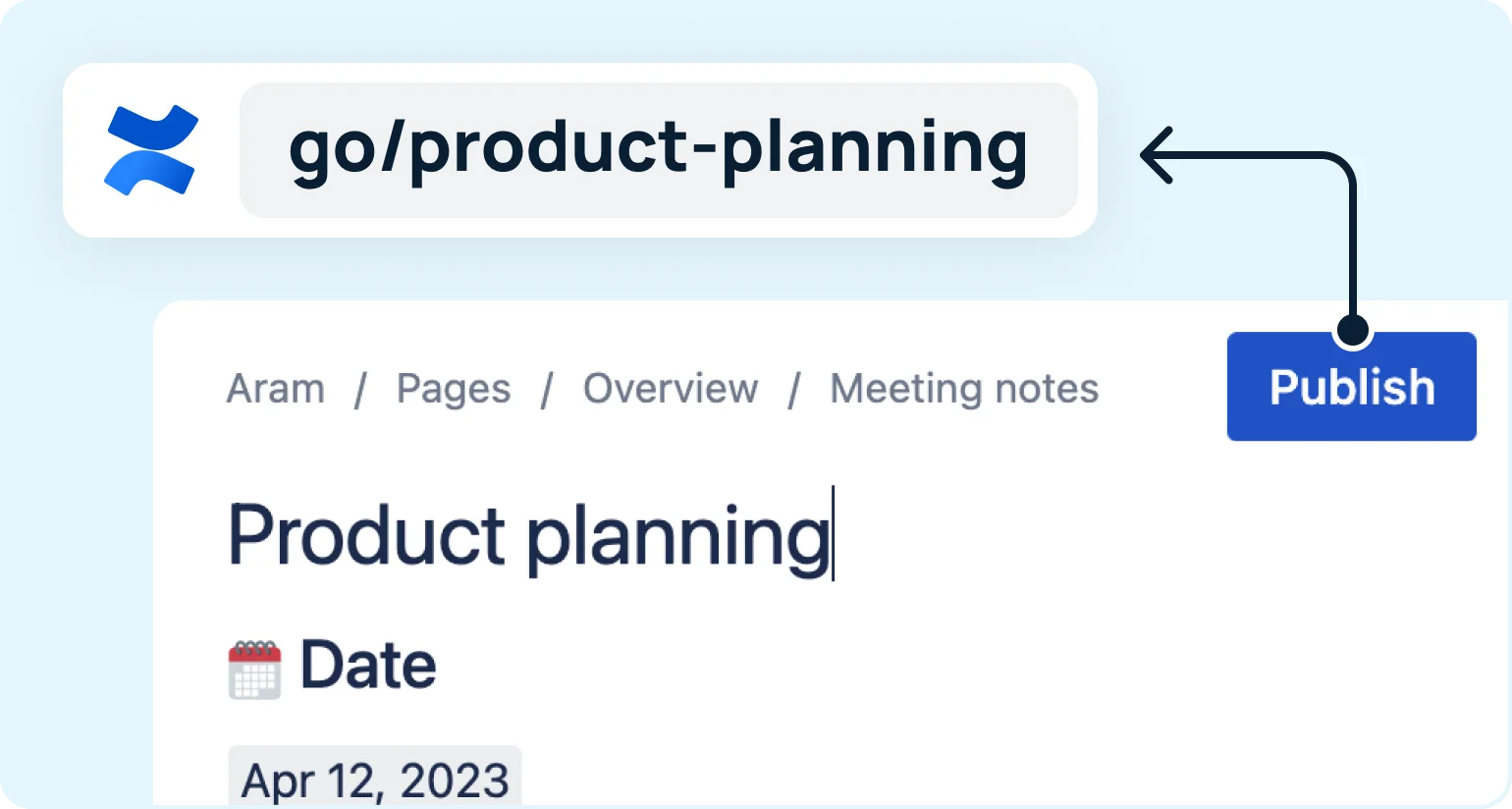
Share context with clickable Go Links®
Type any go link on Confluence pages or comments and the GoLinks® app will automatically turn them into clickable links.

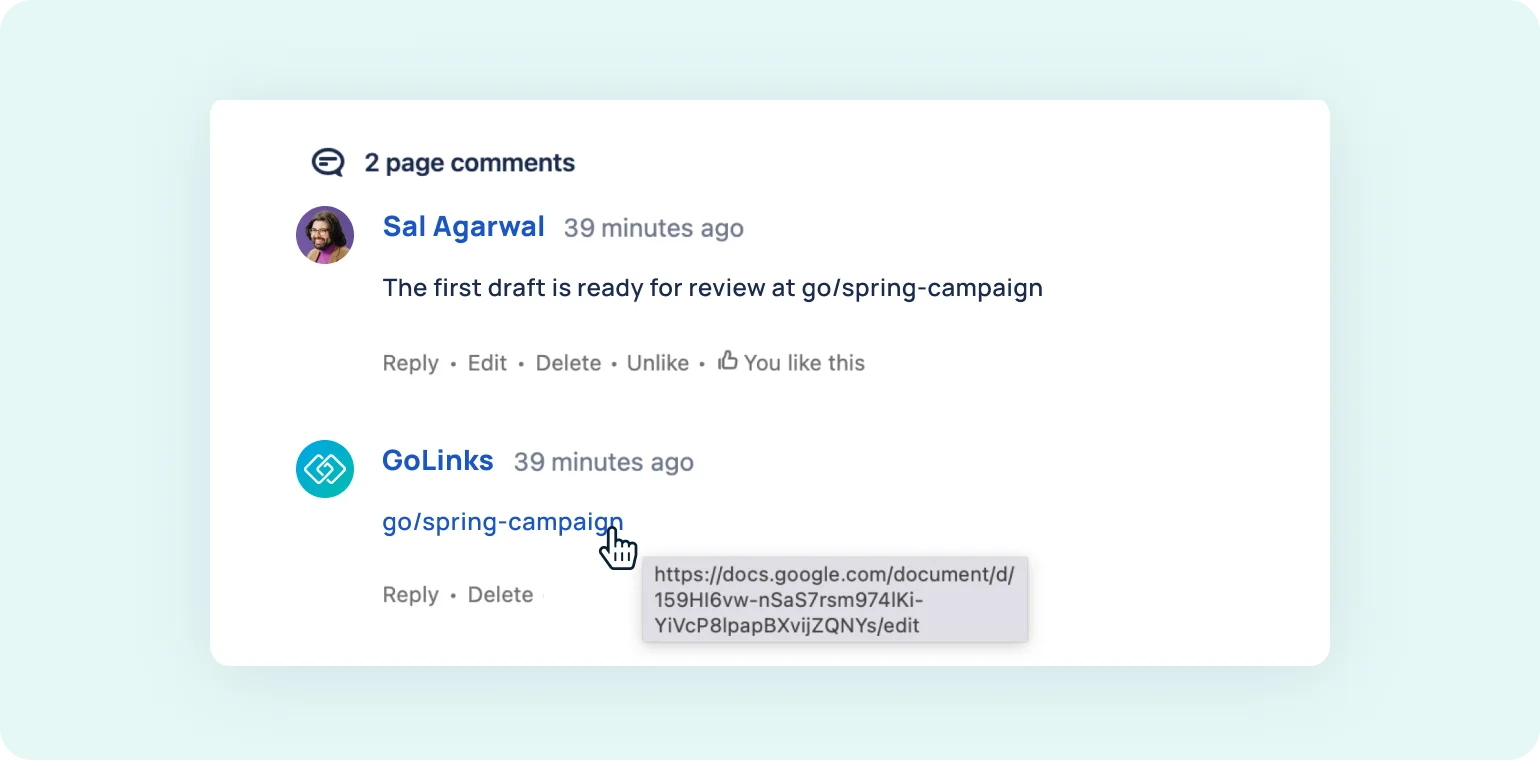
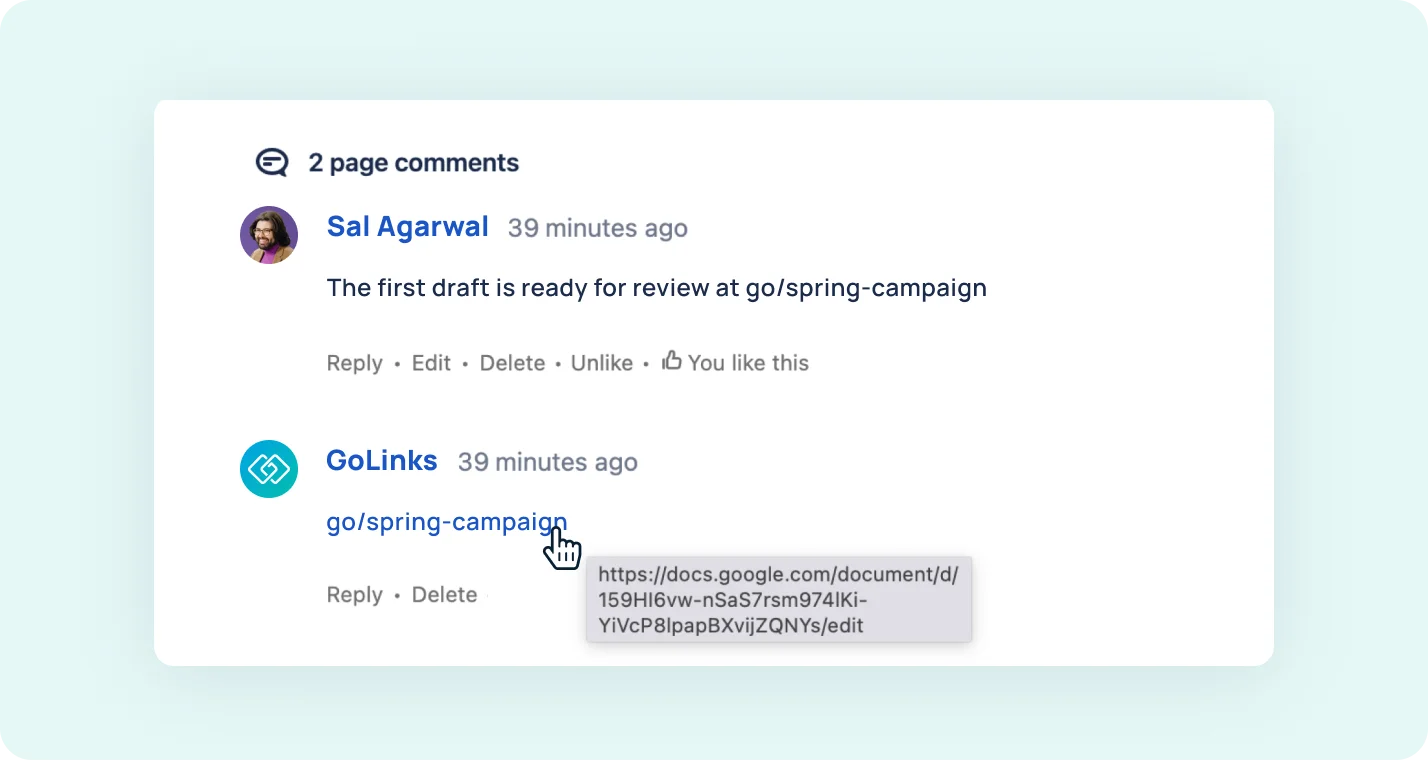
Get clickable Go Links® in comments
Type any go link into your comments and the GoLinks® bot will return clickable links, making it easier to scan comments and surface important resources.
Add the free GoLinks® Confluence app today
View in Atlassian MarketplaceZapier
View Zapier integrationAutomate your workflow with the GoLinks® Zapier integration
Build Zaps that dynamically trigger when certain events happen in GoLinks® or take action in GoLinks® based on events in other apps.
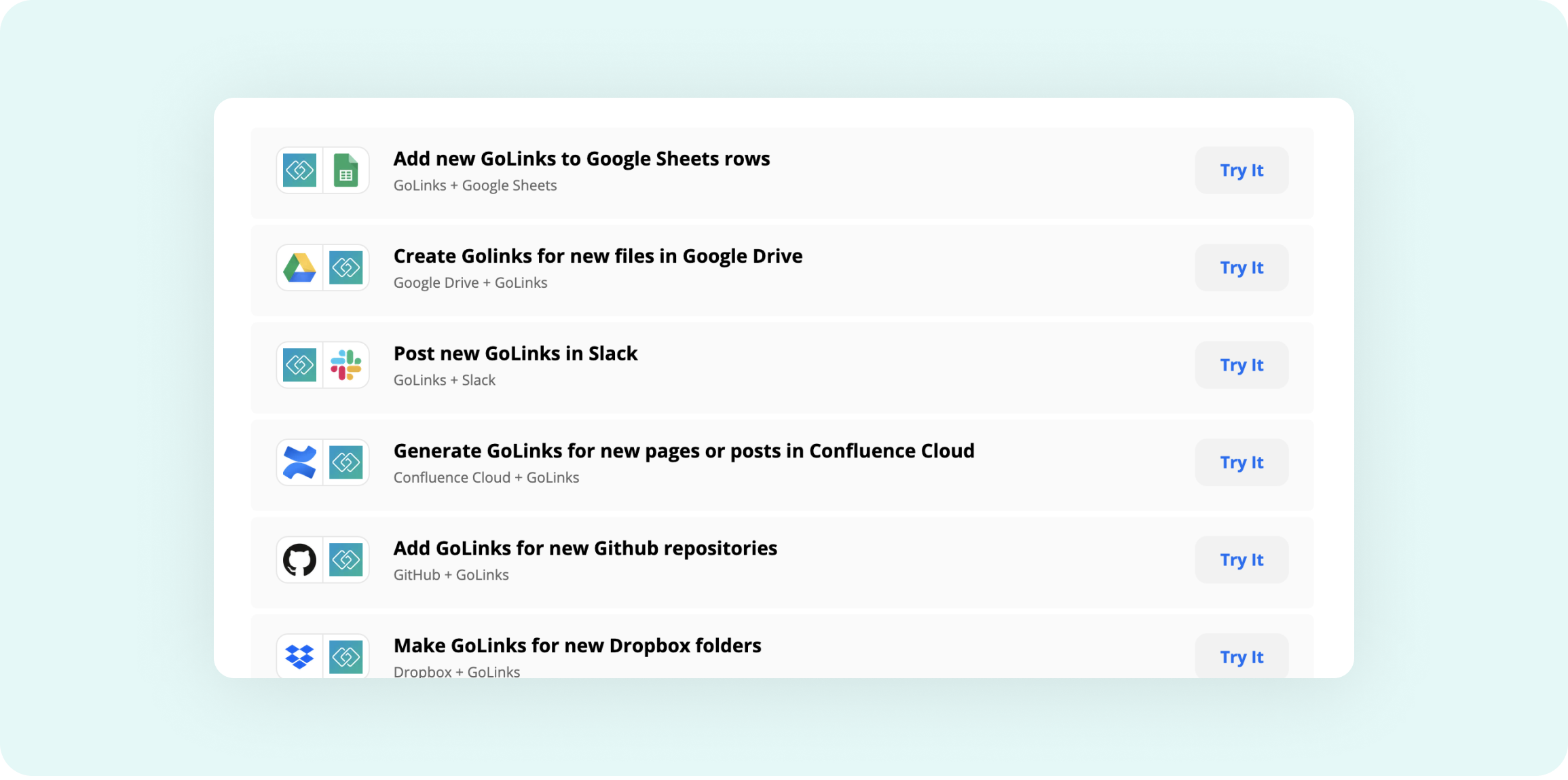
Select from a list of triggers, actions, and searches
GoLinks® triggers
- When Go Links® are created
- When a new user joins your GoLinks® workspace
GoLinks® actions
- Create new Go Links®
GoLinks® searches
- Find Go Links®
- Get go link metrics
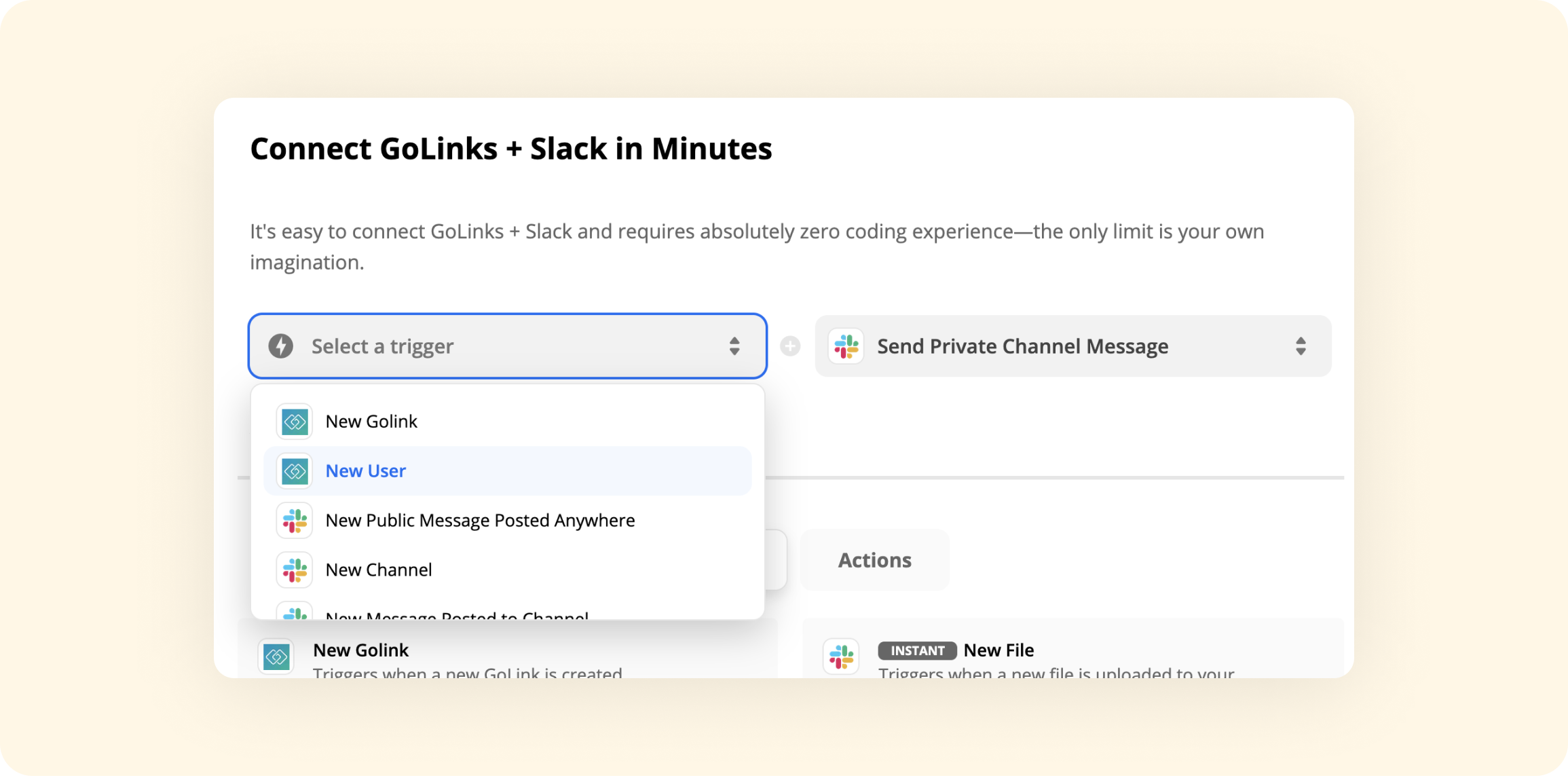
Start building with the Zapier integration
View Zaps in ZapierMicrosoft Teams
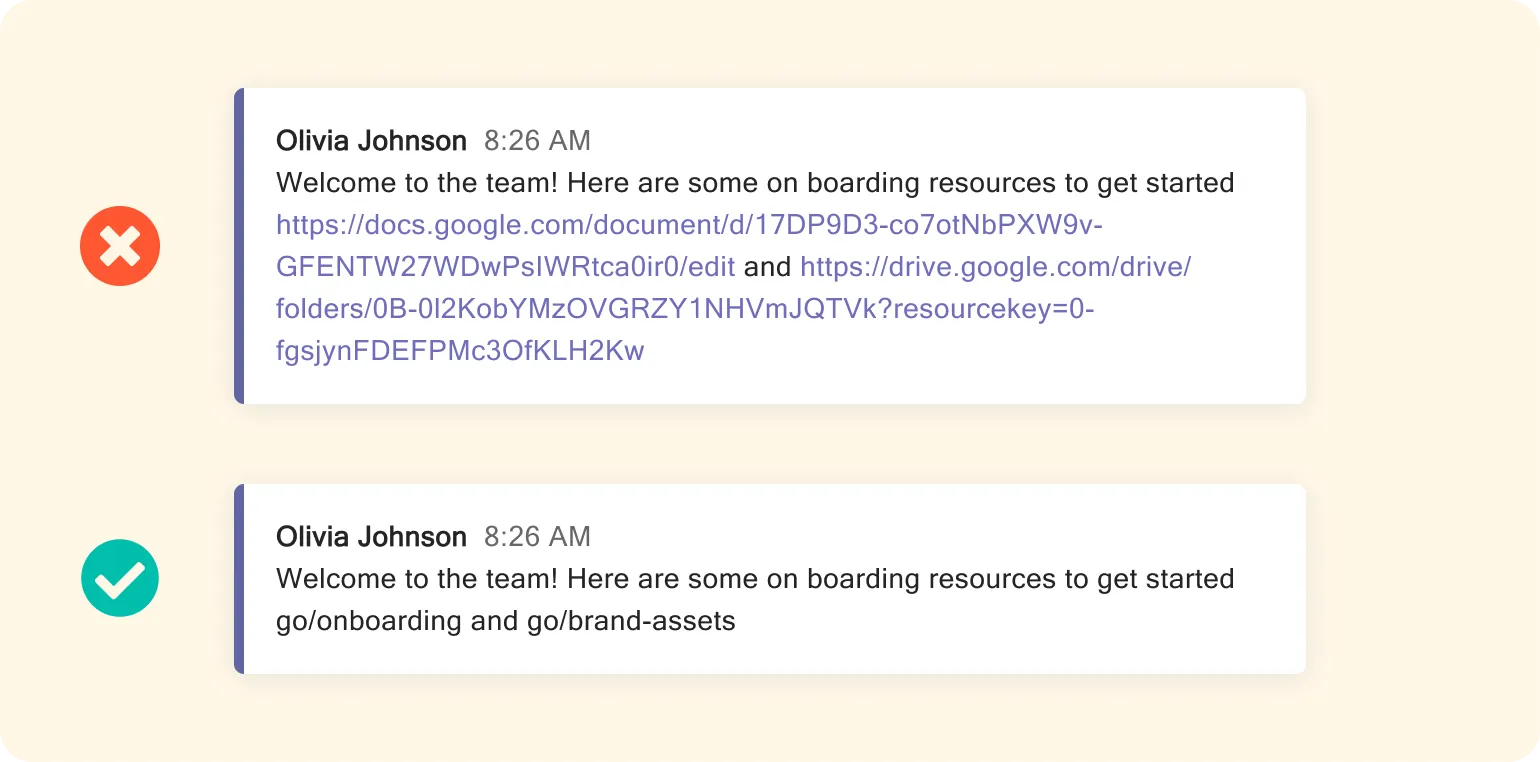
View in Microsoft AppSourceShare Go Links® in MS Teams chats
Use Go Links® in team chats and the bot will respond with the Go Links® thumbnail showing details and a clickable button.

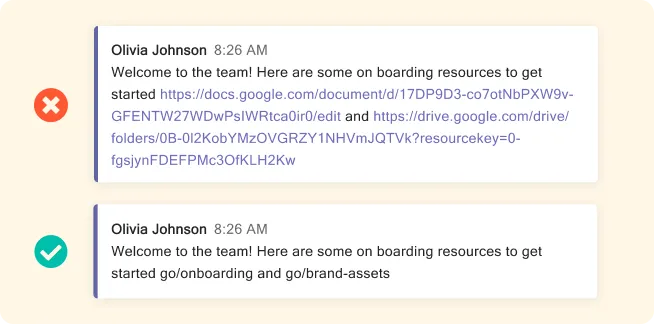
No more messy URLs
Make it easier to scan messages by making long ugly URLs a thing of the past.
Add the free GoLinks® MS Teams app today
View in AppSourceMicrosoft Outlook
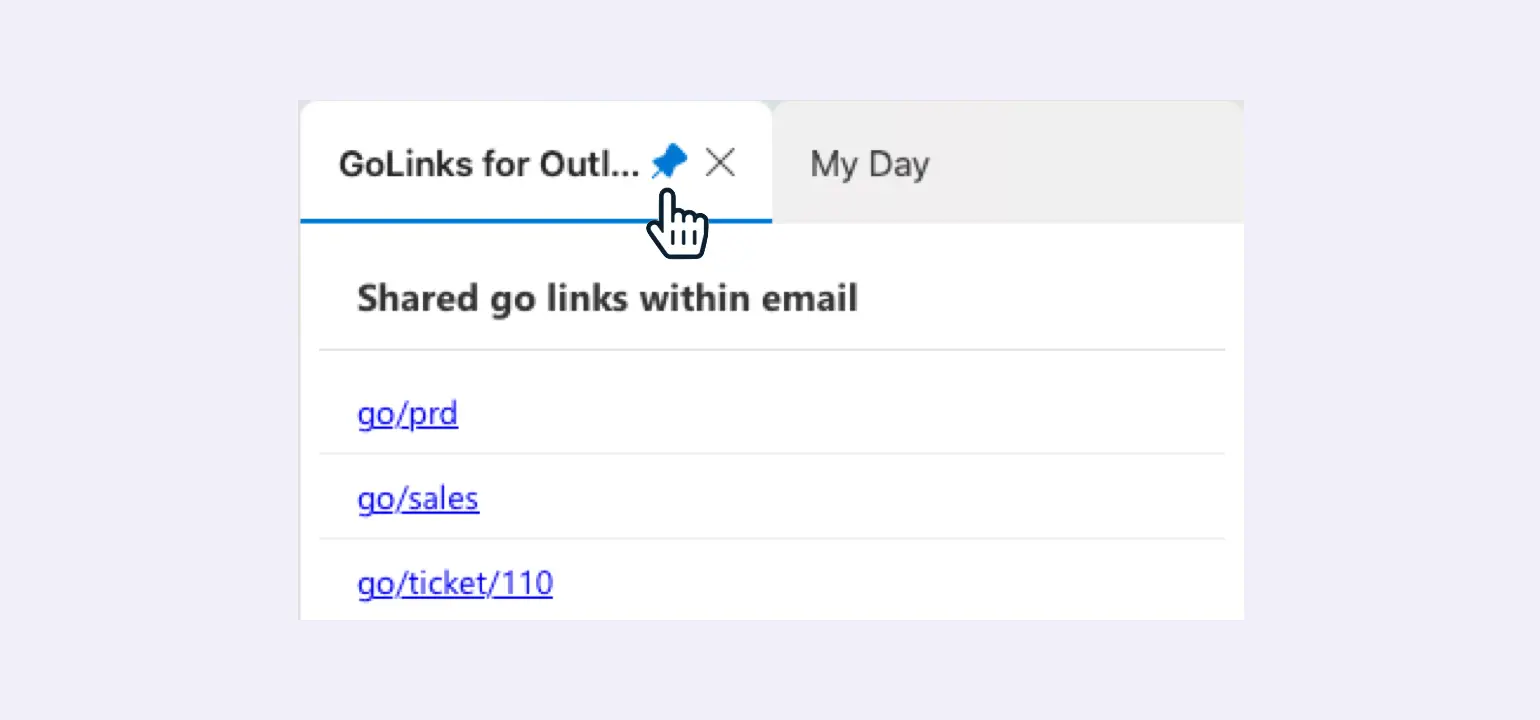
View in Microsoft AppSourceGet clickable Go Links® instantly
Open the GoLinks® add-on to see clickable Go Links® mentioned within any email.
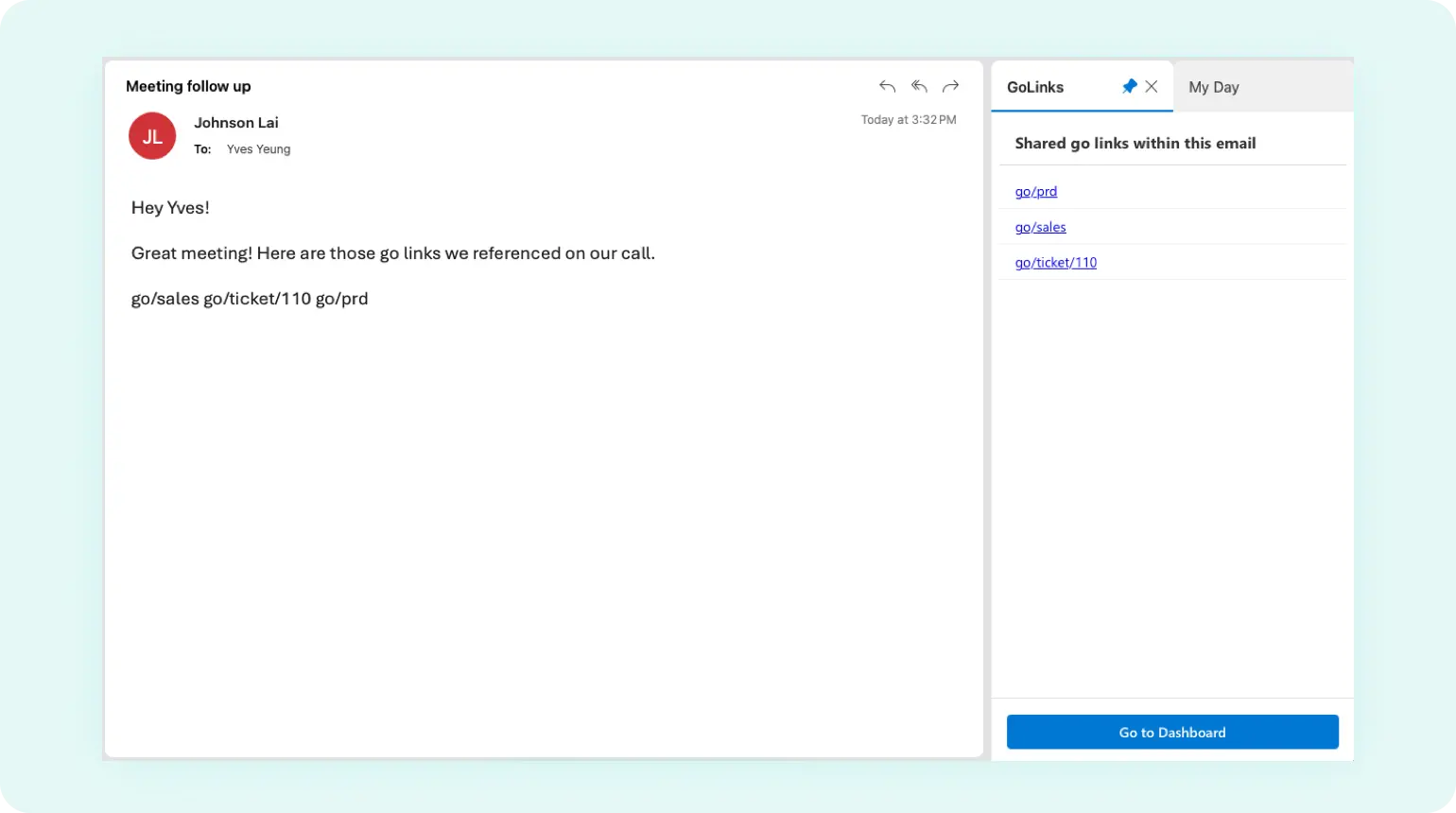
Easy to install and always accessible
Installing this add-on takes less than a minute and can be pinned for quick access.
Add the GoLinks® Microsoft Outlook add-on today
View in Microsoft AppSourceMicrosoft Word
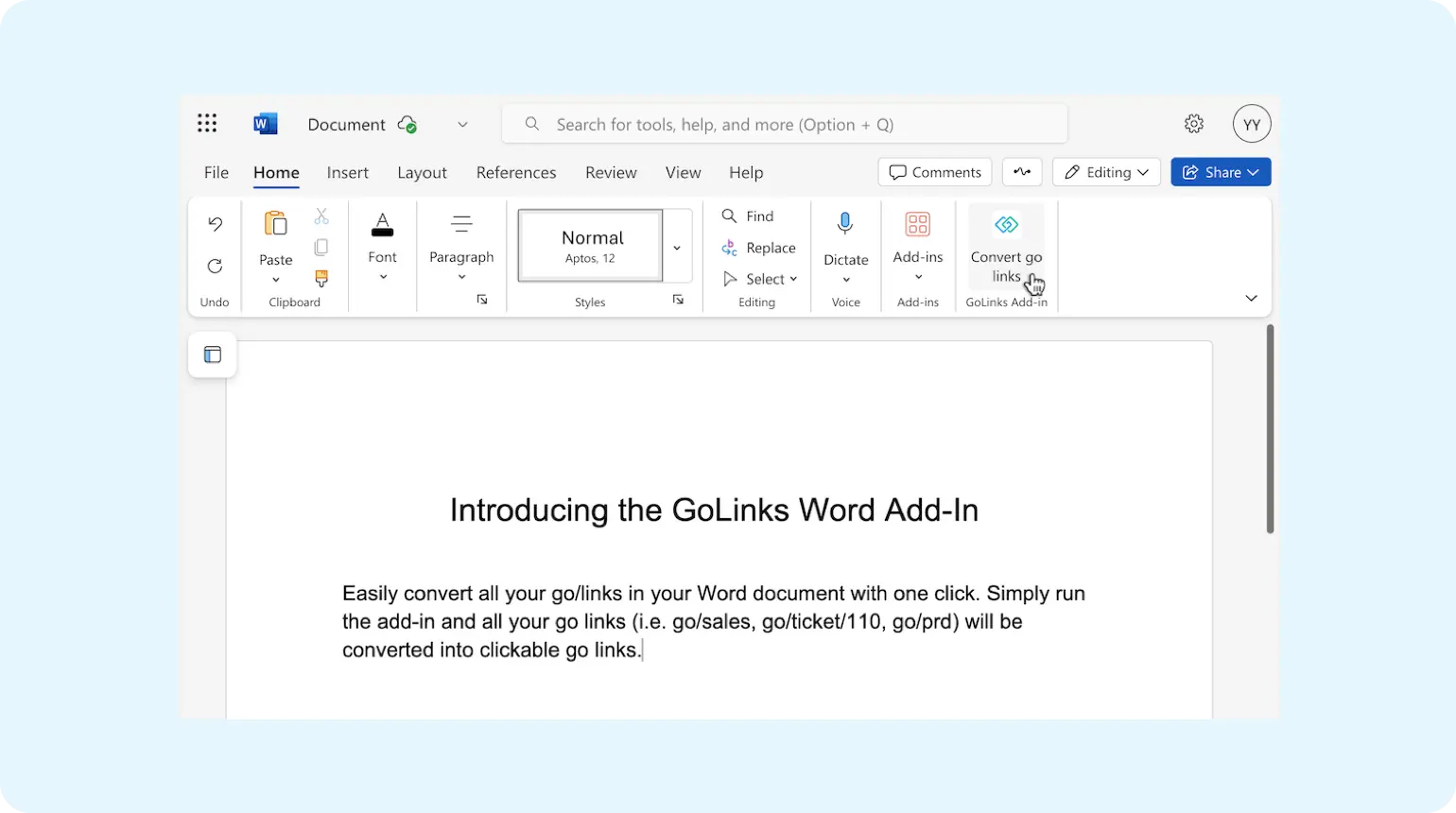
View in Microsoft AppSourceClickable go links in your Word documents
Convert all go links used throughout your document into clickable go links.
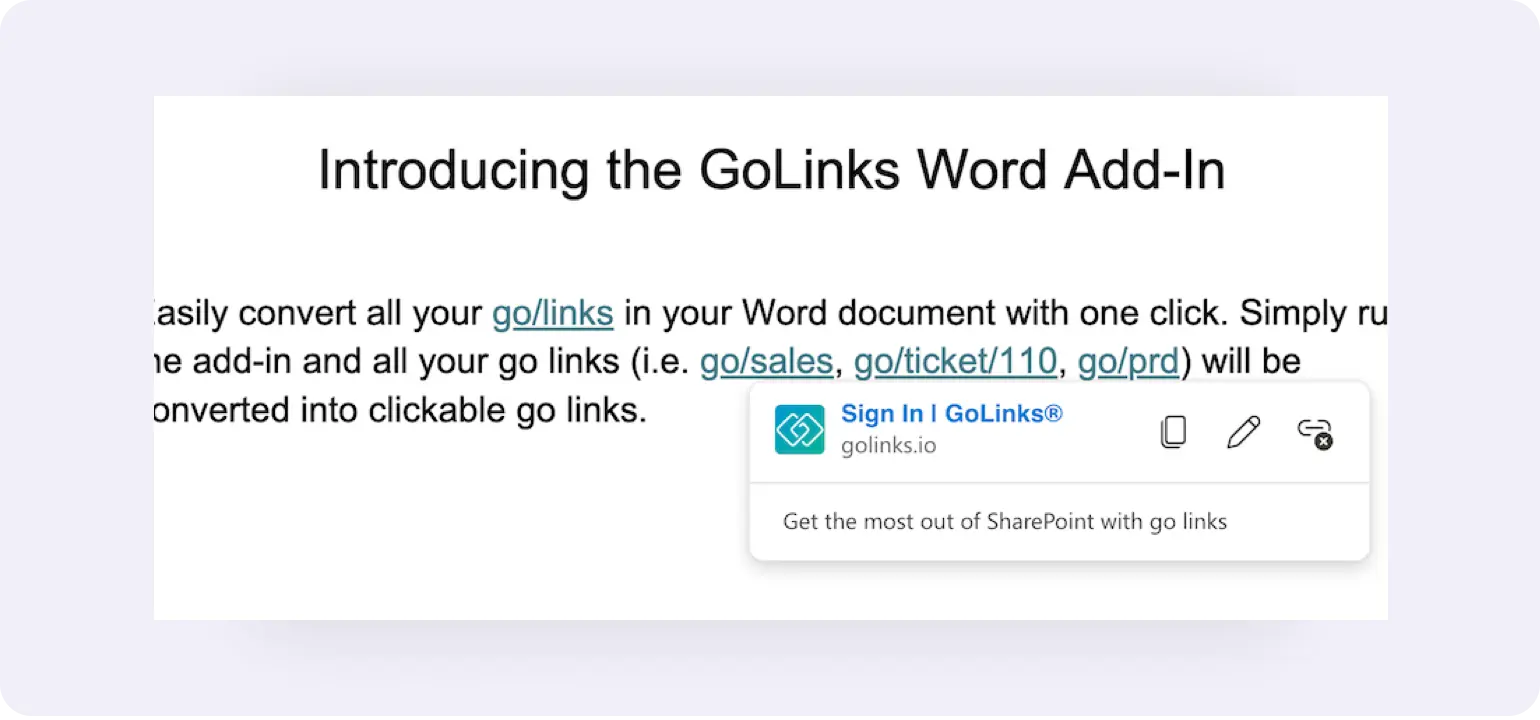
Keep information and resources secure
Destination URLs are hidden and require GoLinks authentication to access.
Add the GoLinks® Microsoft Word add-on today
View in Microsoft AppSourceMicrosoft Excel
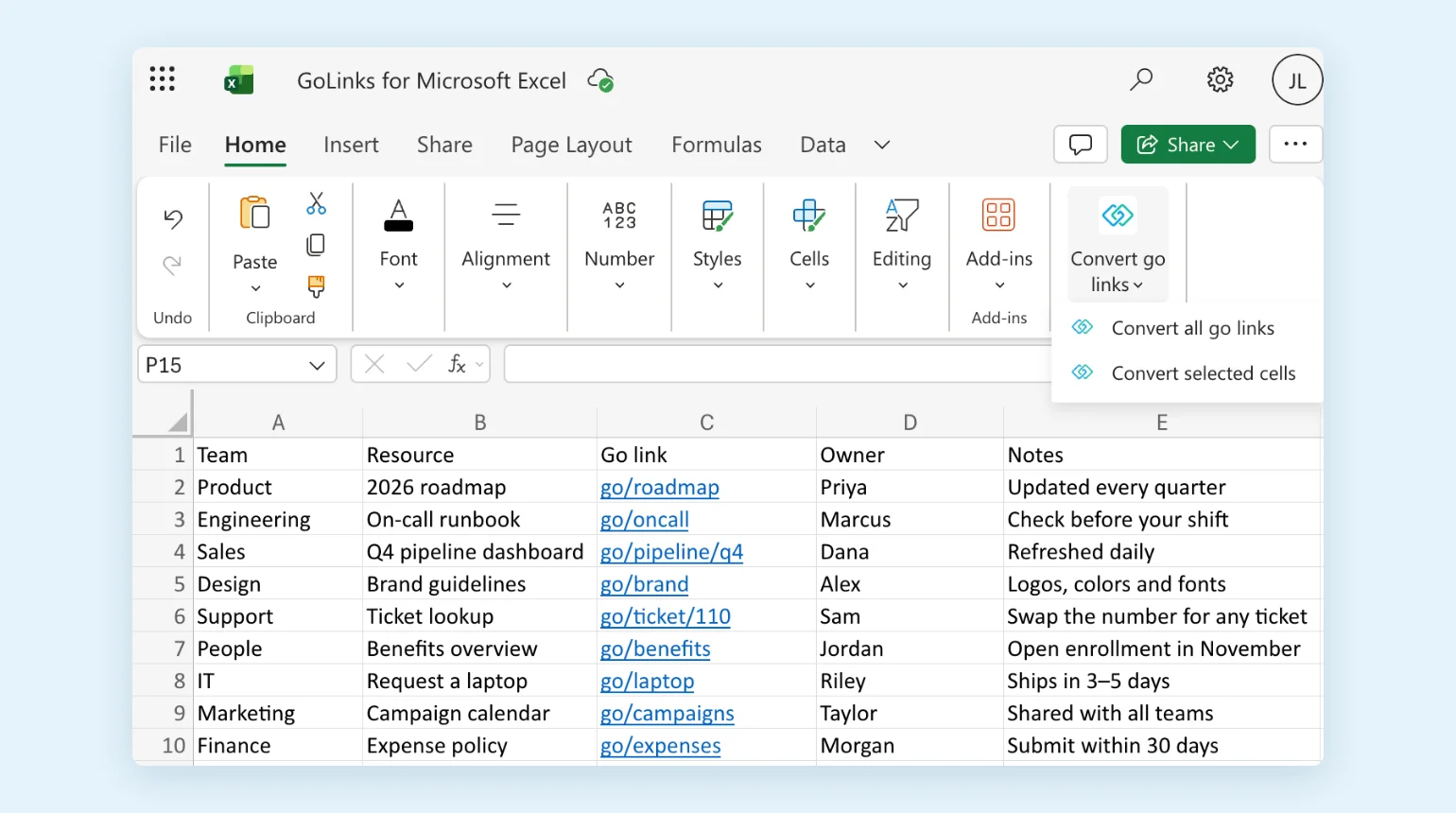
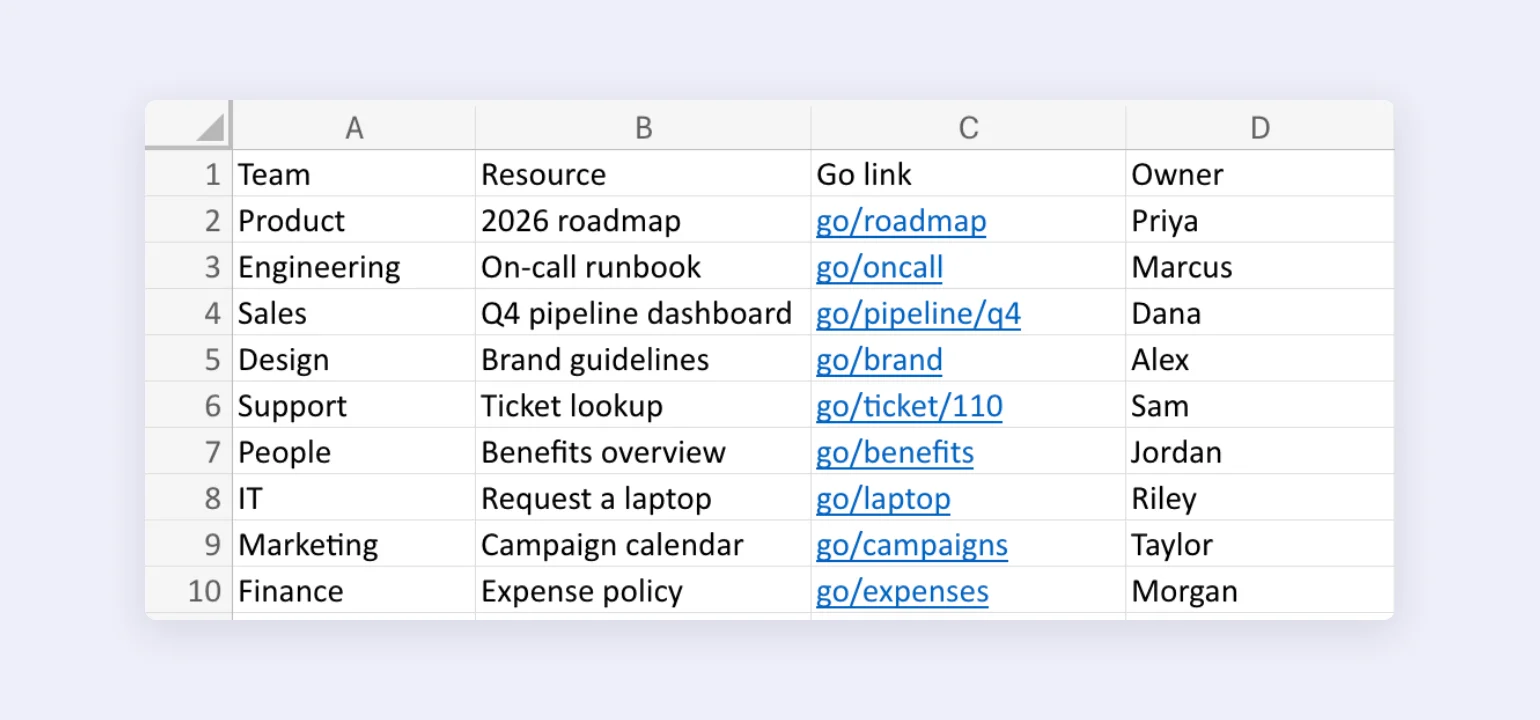
View in Microsoft MarketplaceClickable go links in your Excel spreadsheets
Convert every go link on a sheet, or just the cells you select, into clickable go links.
Keep information and resources secure
Destination URLs are hidden and require GoLinks authentication to access.
Add the GoLinks® Microsoft Excel add-on today
View in Microsoft MarketplaceMicrosoft PowerPoint
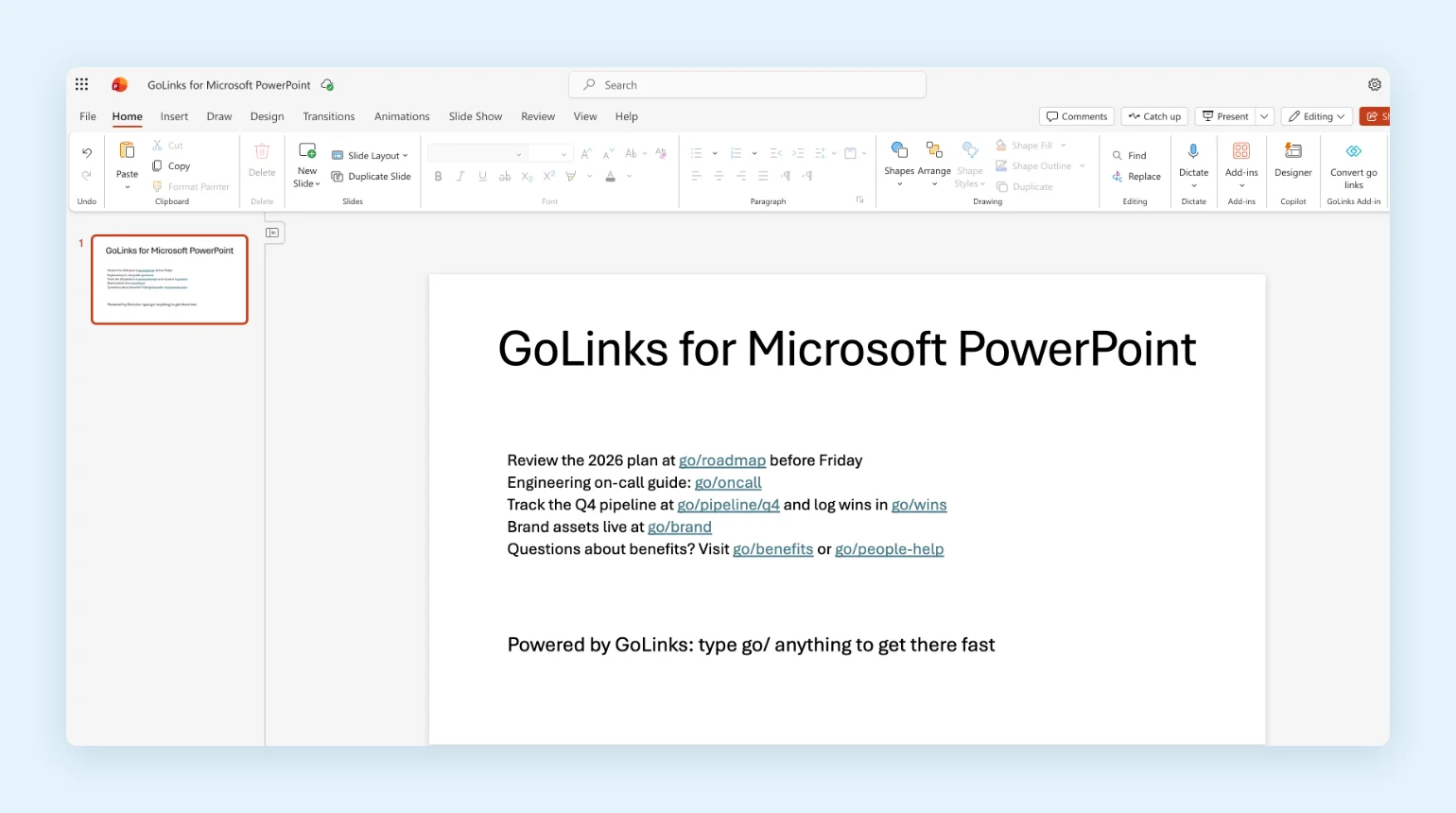
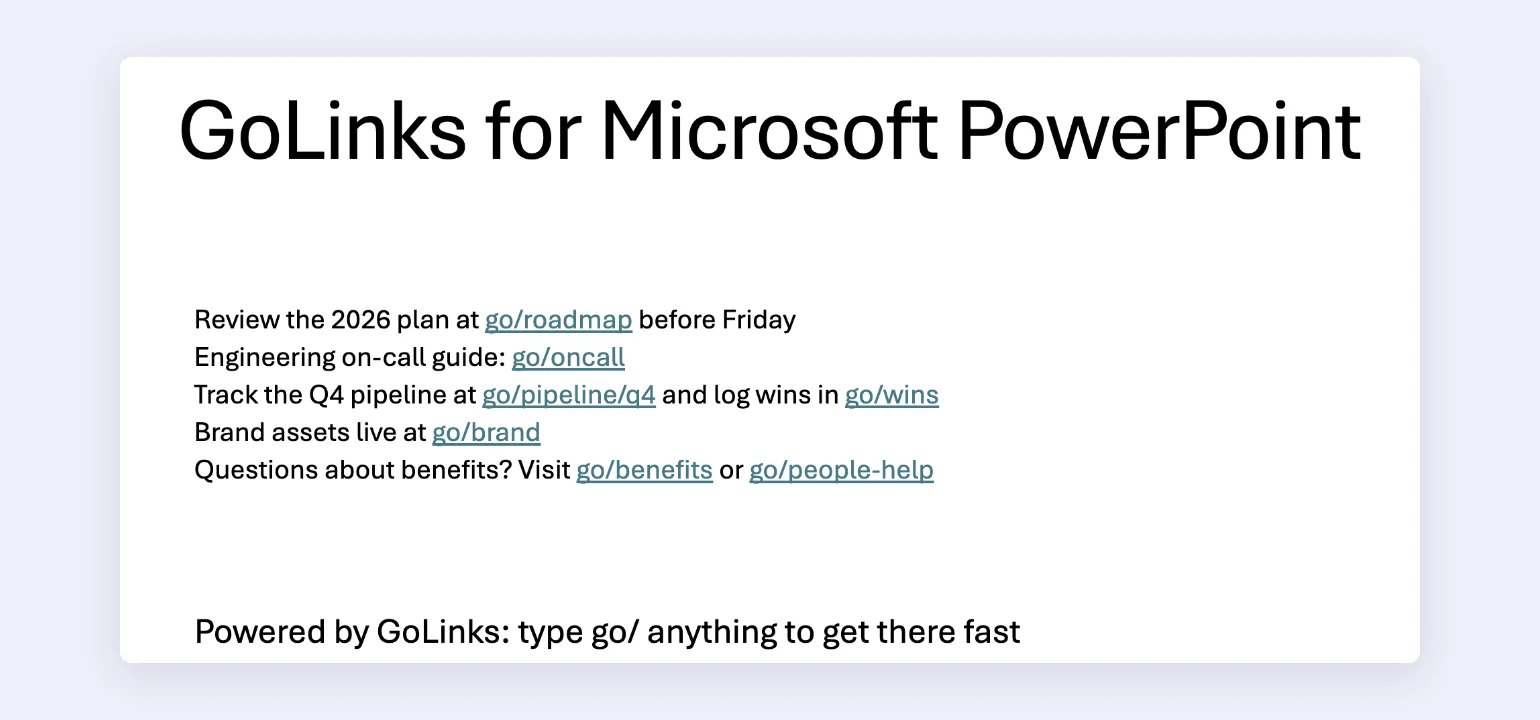
View in Microsoft MarketplaceClickable go links in your PowerPoint presentations
Convert go links on every slide, including grouped shapes, into clickable go links with one click.
Keep information and resources secure
Destination URLs are hidden and require GoLinks authentication to access.
Add the GoLinks® Microsoft PowerPoint add-on today
View in Microsoft MarketplaceGoogle Sheets
View in Google Workspace MarketplaceClickable Go Links® in your Google Sheets
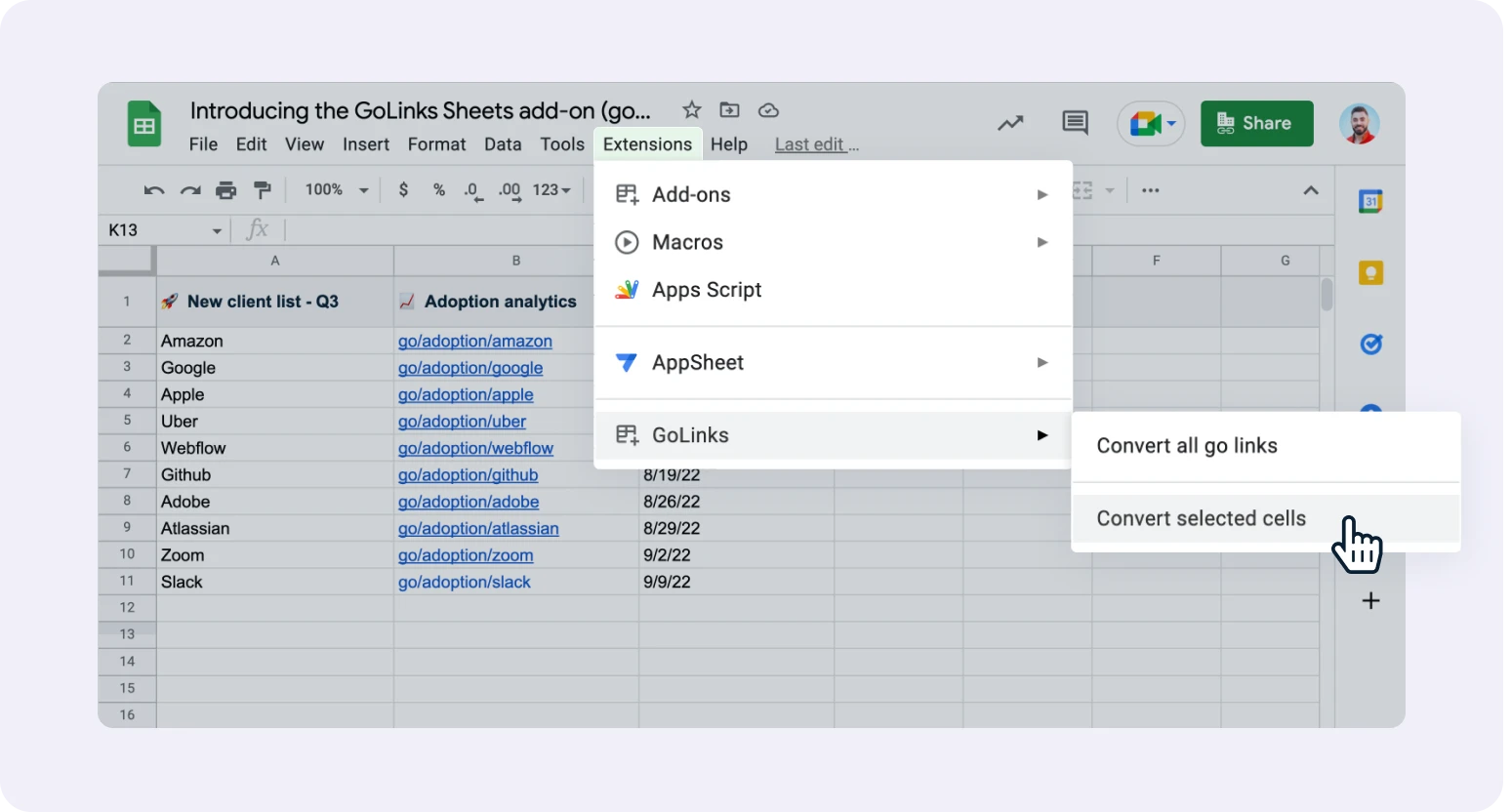
Convert all Go Links® used throughout your sheet into clickable Go Links®.
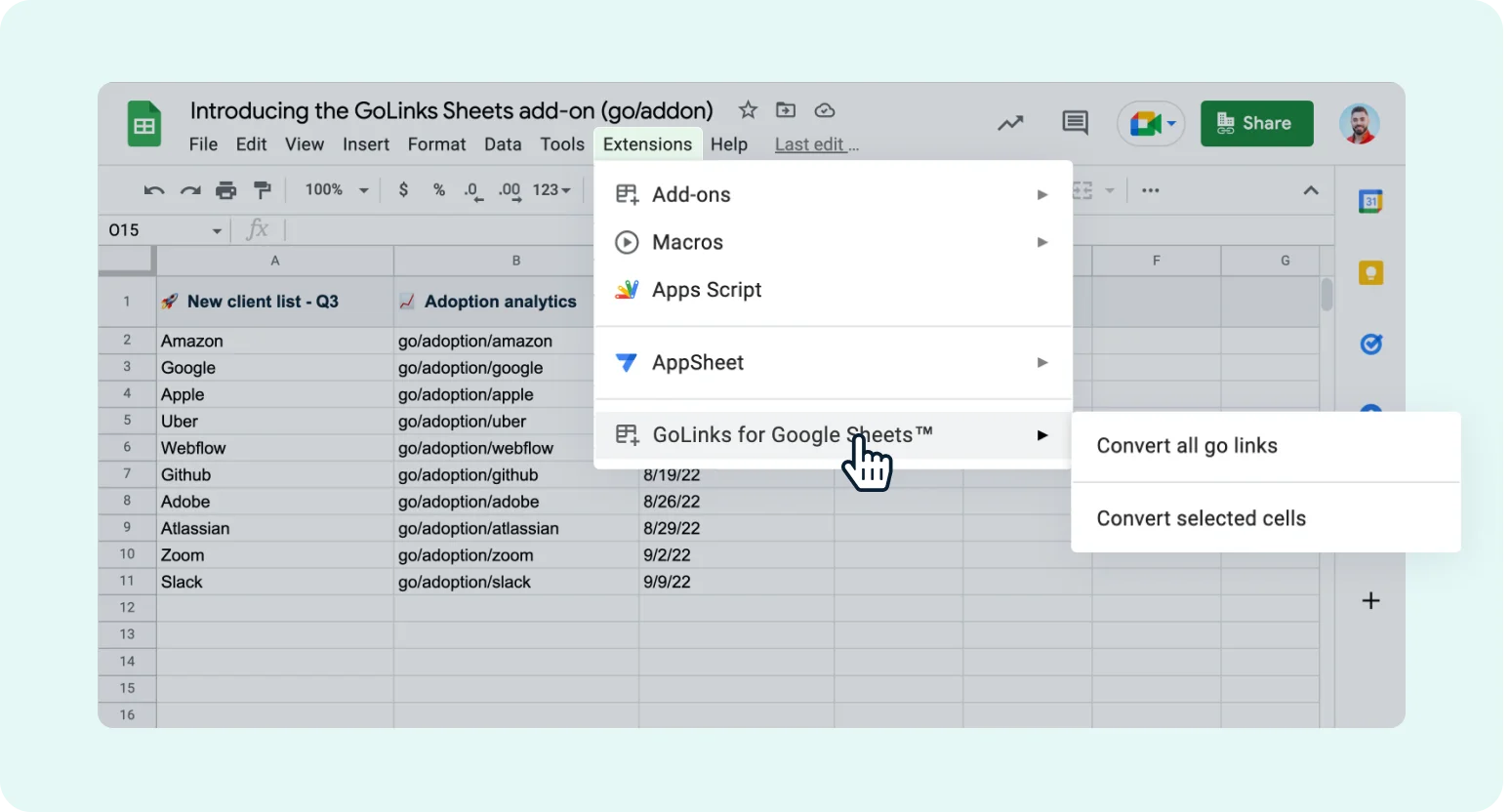
Specify which spreadsheet cells to convert
Convert Go Links® in the entire sheet or selected cells for added control.
Keep information and resources secure
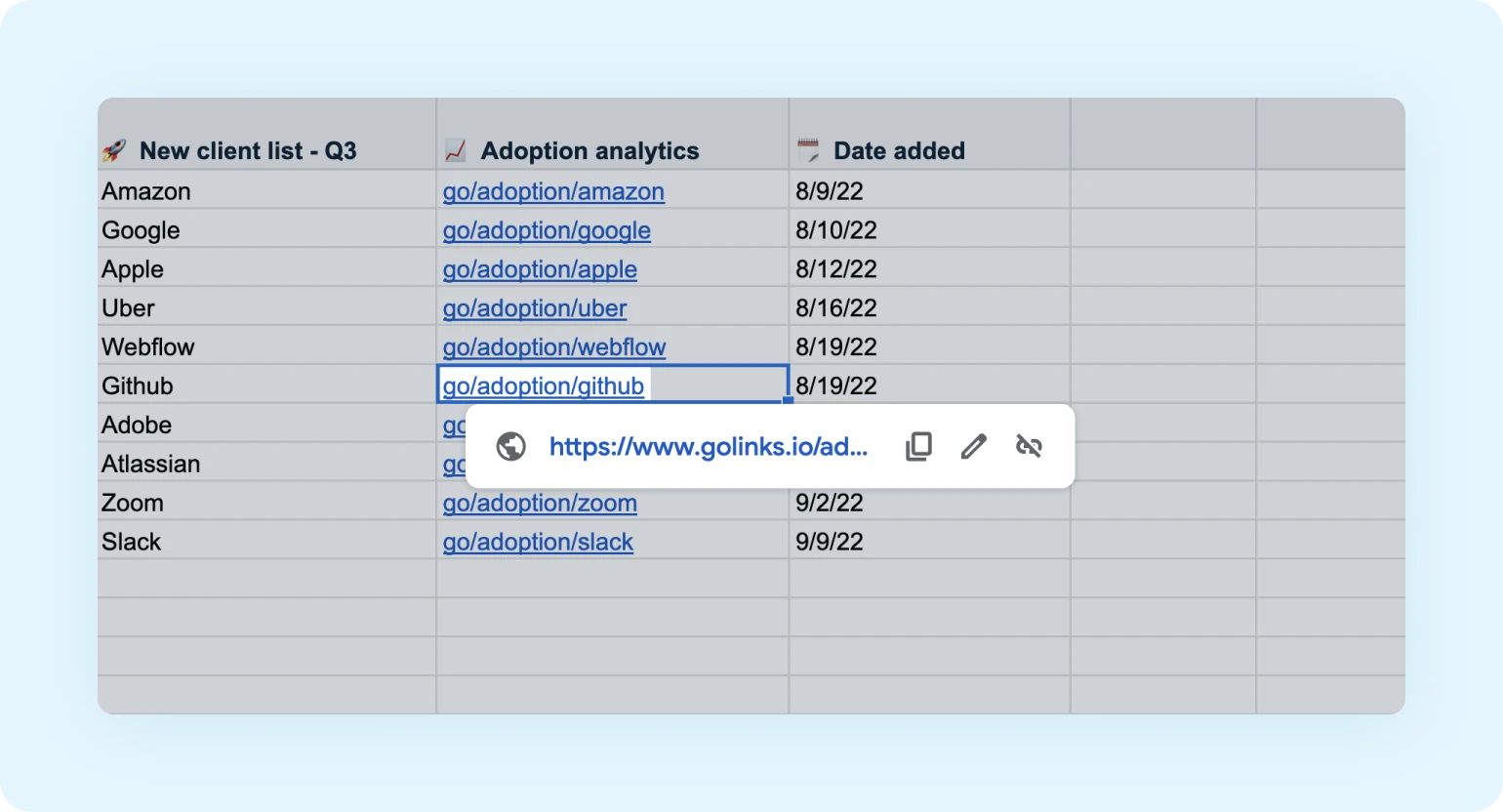
Destination URLs are hidden and require GoLinks® authentication to access.
Add the GoLinks® Google Sheets add-on today
View in Google Workspace MarketplaceGoogle Calendar
View in Google Workspace MarketplaceClickable Go Links® in your Google calendar events
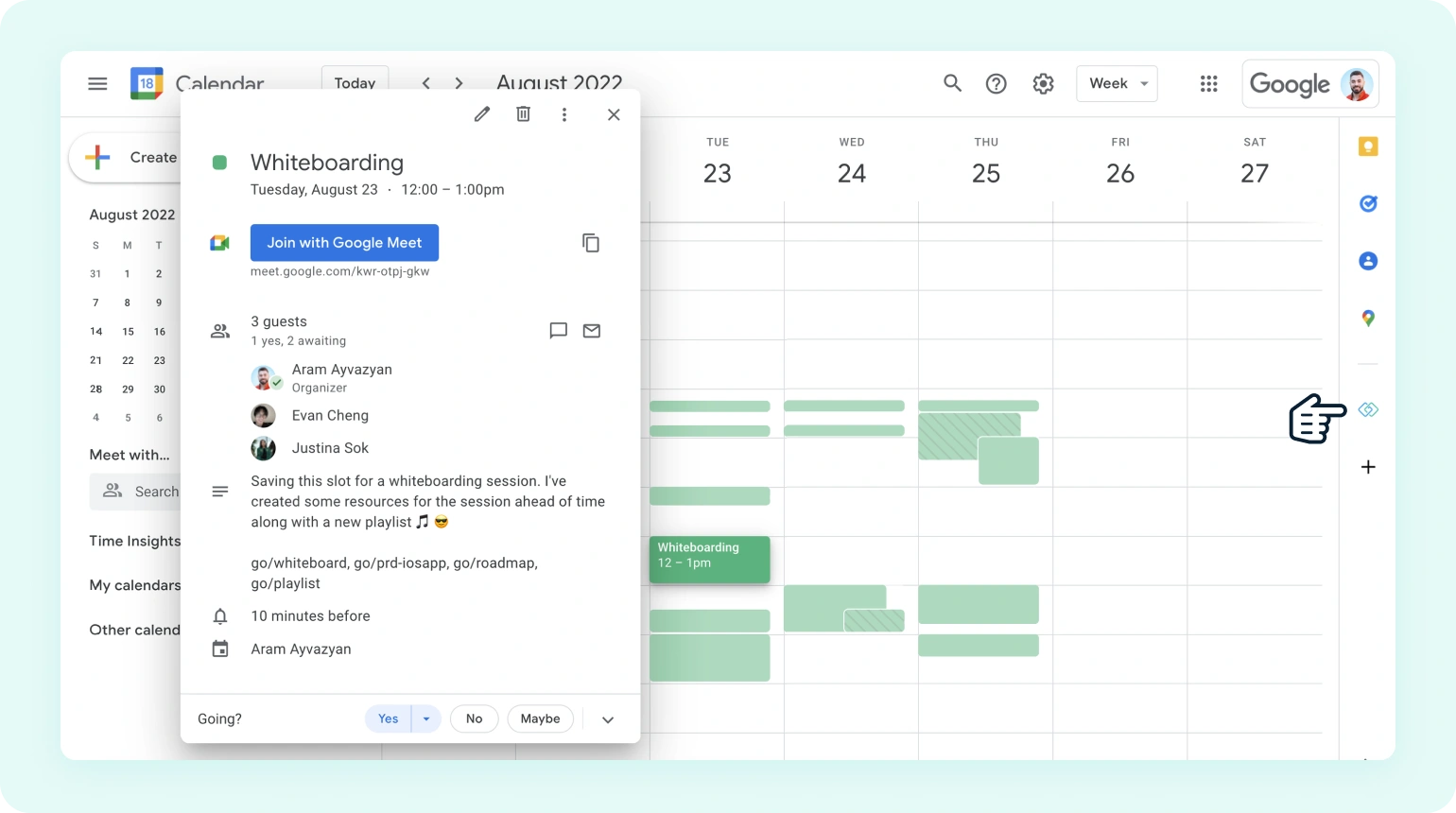
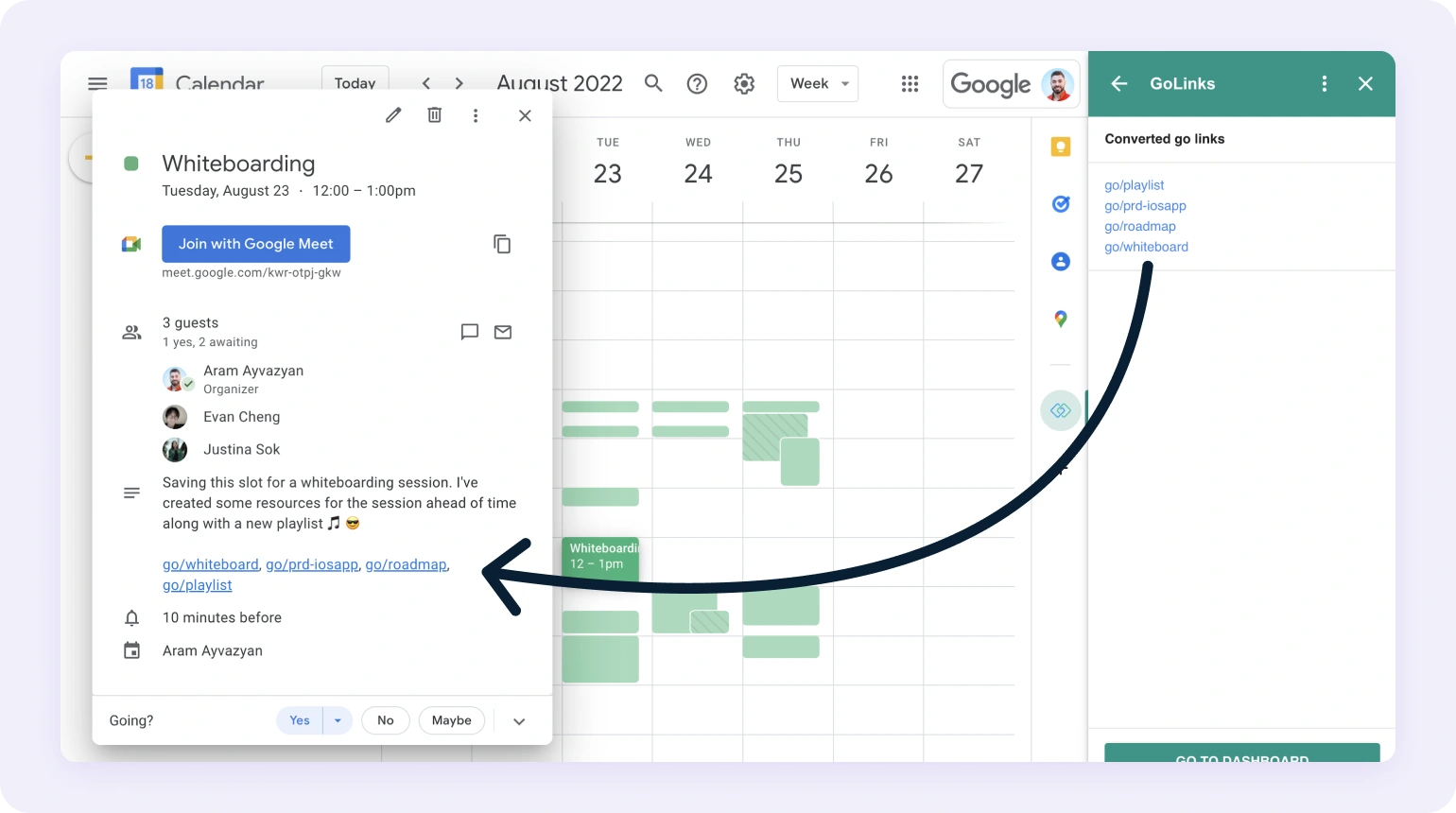
Convert all Go Links® used within any google calendar events into clickable Go Links®.
The Google calendar add-on is easy to install and use
Make Go Links® clickable within any event simply by opening the add-on.
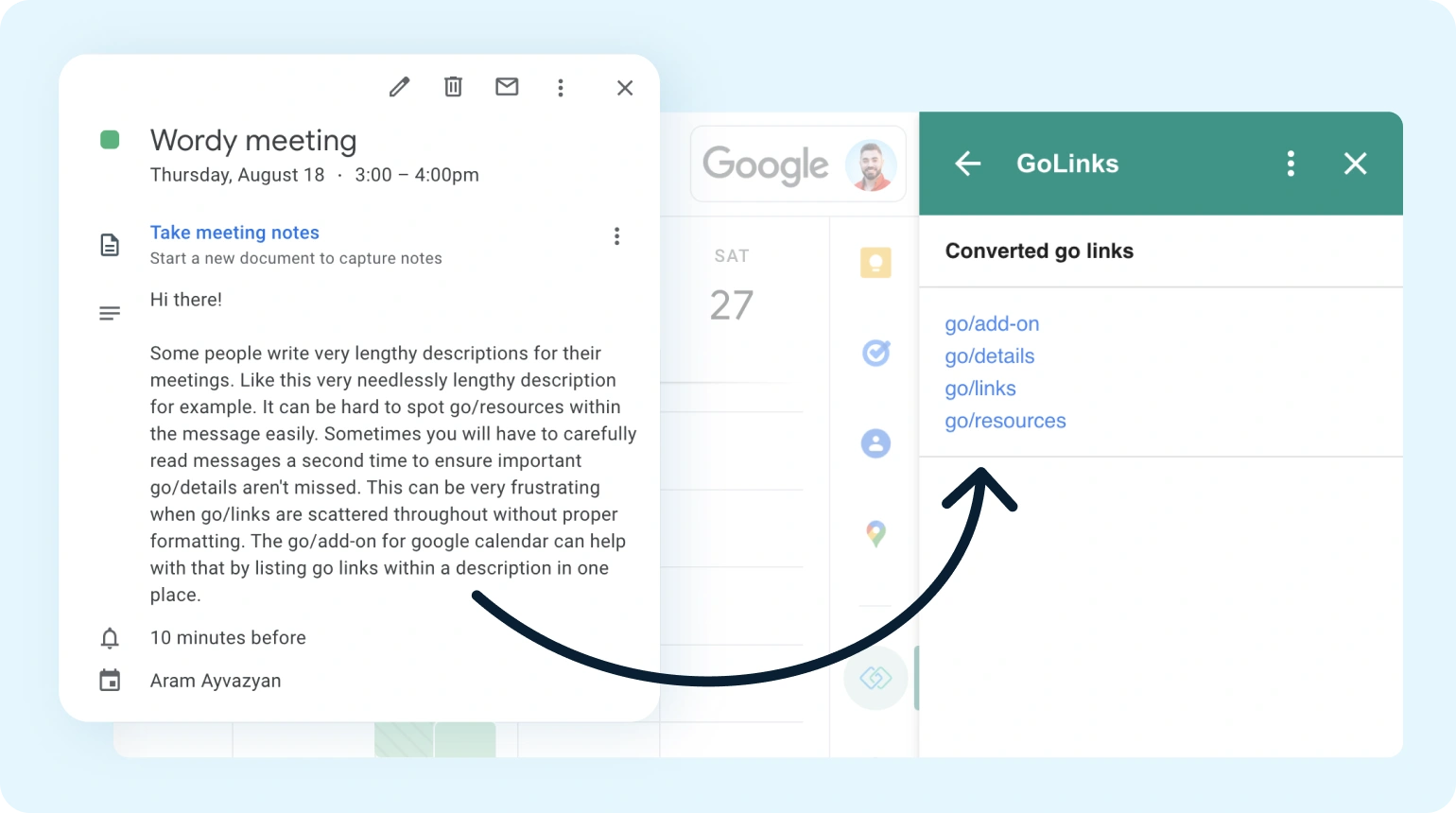
TLDR? No worries
The GoLinks® Google Calendar add-on will create a scannable list for you.
Add the GoLinks® Google Calendar add-on today
View in Google Workspace MarketplaceGoogle Slides
View in Google Workspace MarketplaceGet clickable Go Links® in your Google Slides
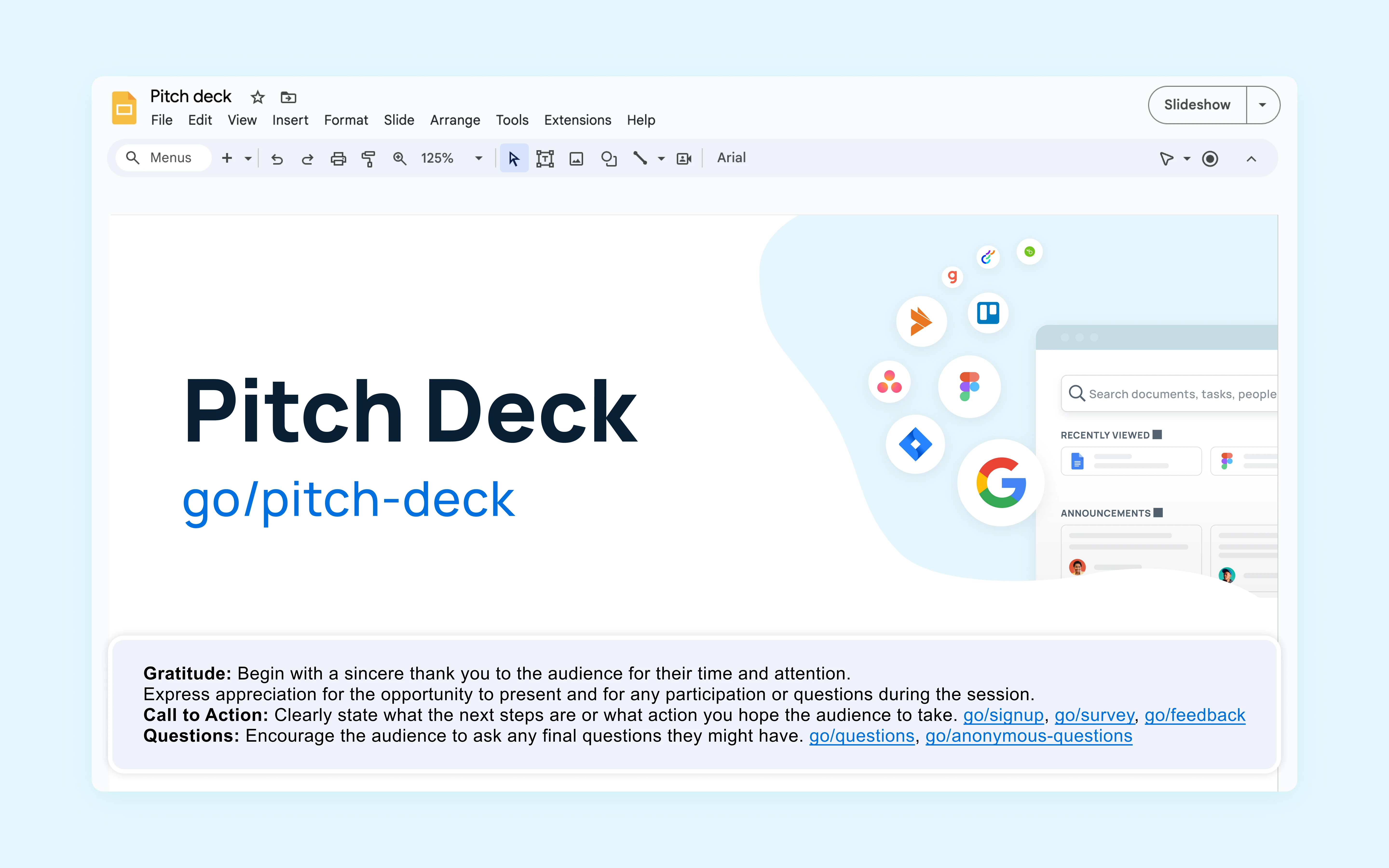
Convert all Go Links® used within your slides and notes into clickable Go Links®.
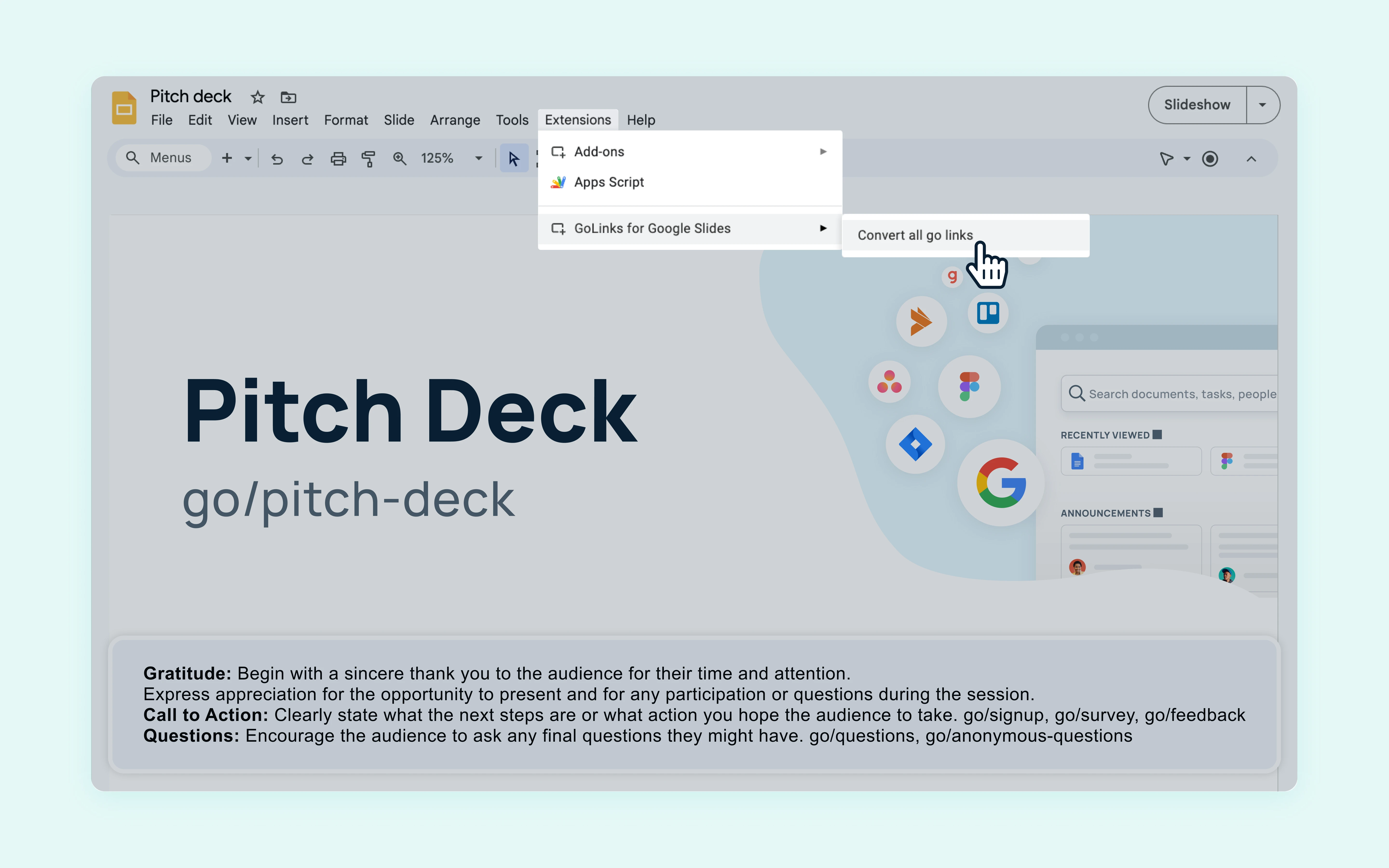
Make presentation resources easily accessible
Pivot quickly during presentations to open supporting documents with a single click.
Add the free GoLinks® Google Slides app today
View in Google Workspace MarketplaceZoom
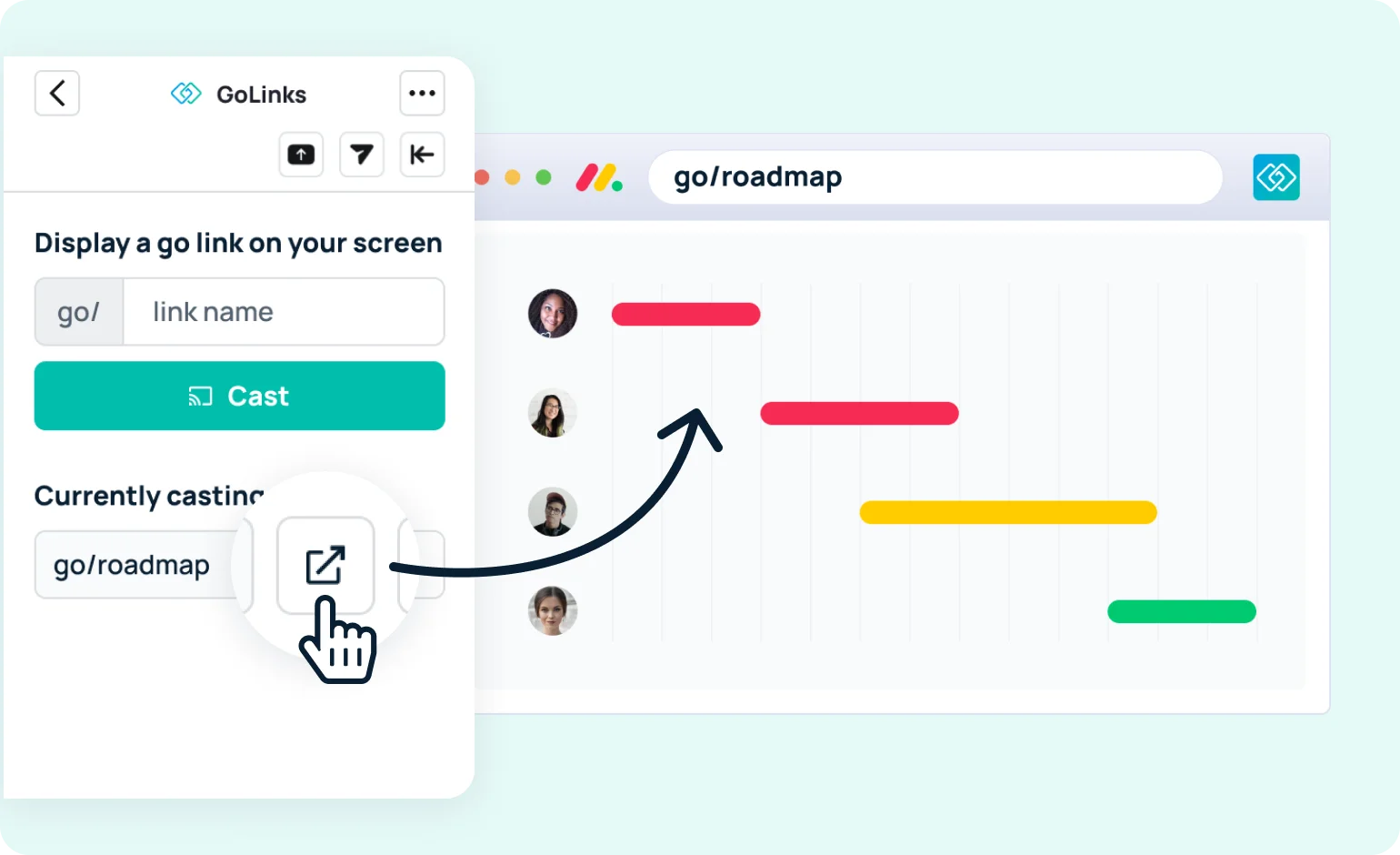
Add to ZoomCast Go Links® on your screen
Display Go Links® over your video to help attendees quickly access relevant resources.

Easily open any Go Links® you're casting
Jump into any docs you're displaying to collaborate alongside teammates.
Add the free GoLinks® Zoom app today
Add to ZoomiOS App
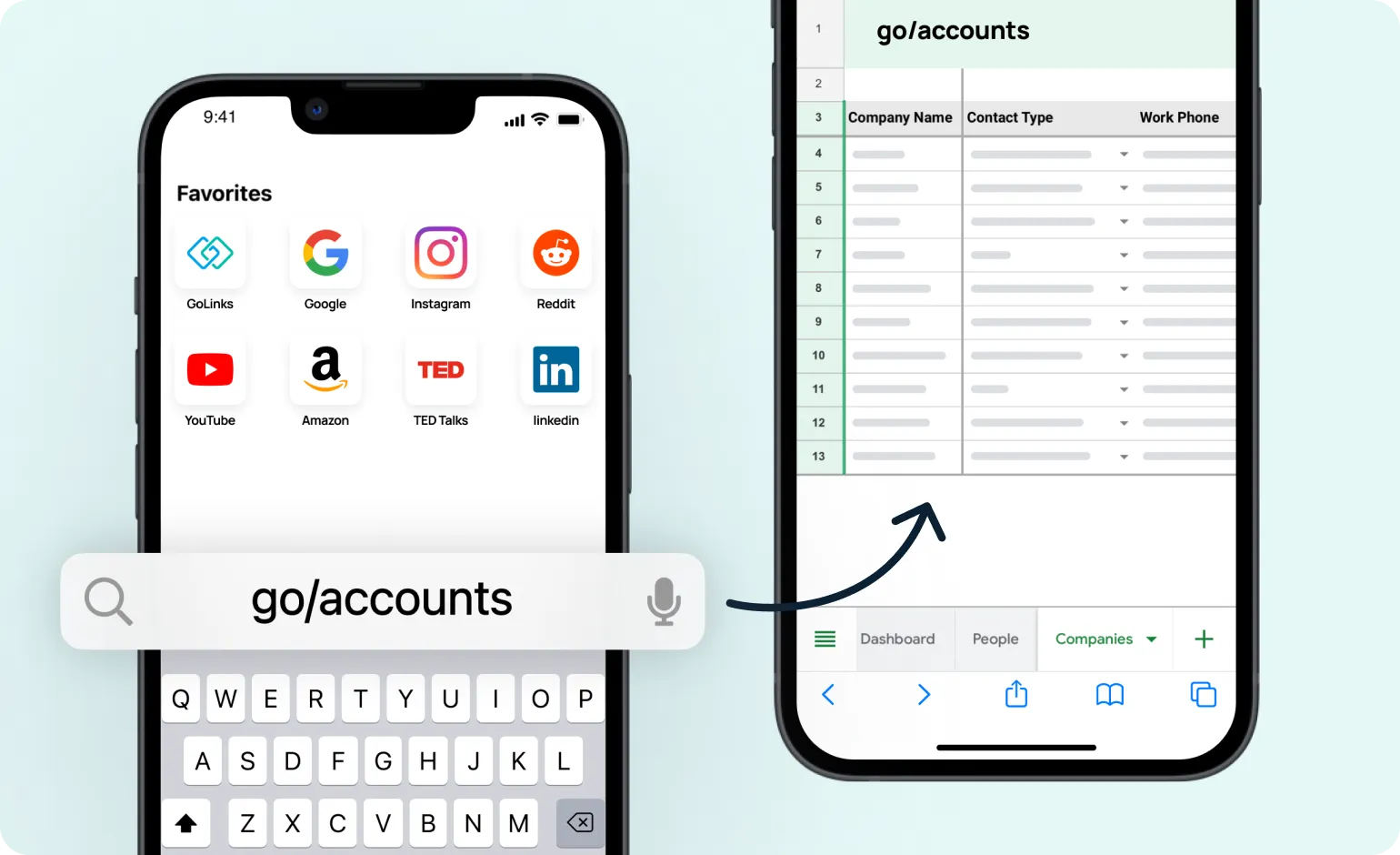
Download the appType Go Links® in your Safari browser
Use go/keyword commands directly in the address bar of your Safari mobile browser — just as you would on desktop.
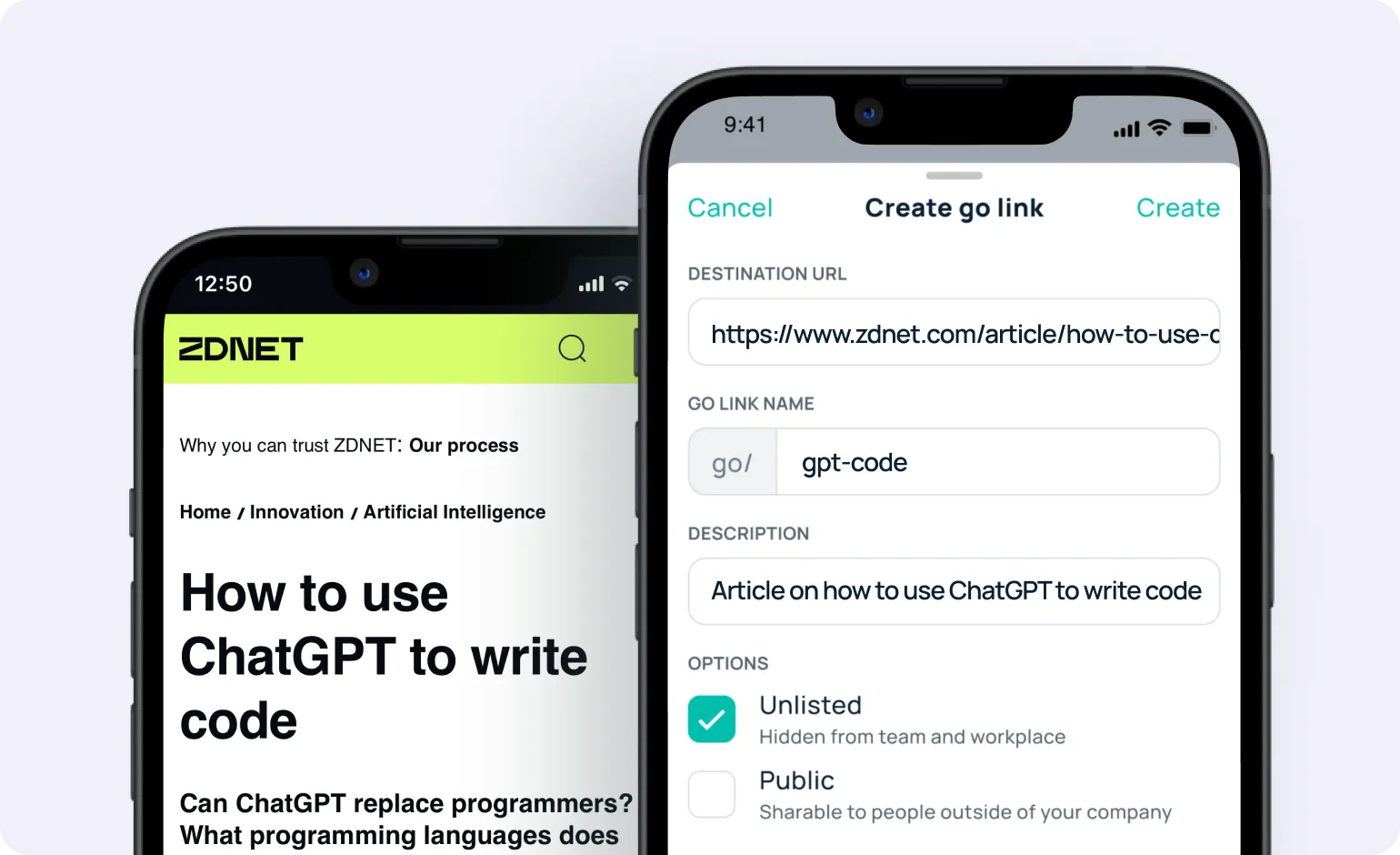
Create a new go link from anywhere
Share a URL to the GoLinks® app to quickly create a new go link you can access again later on your computer.
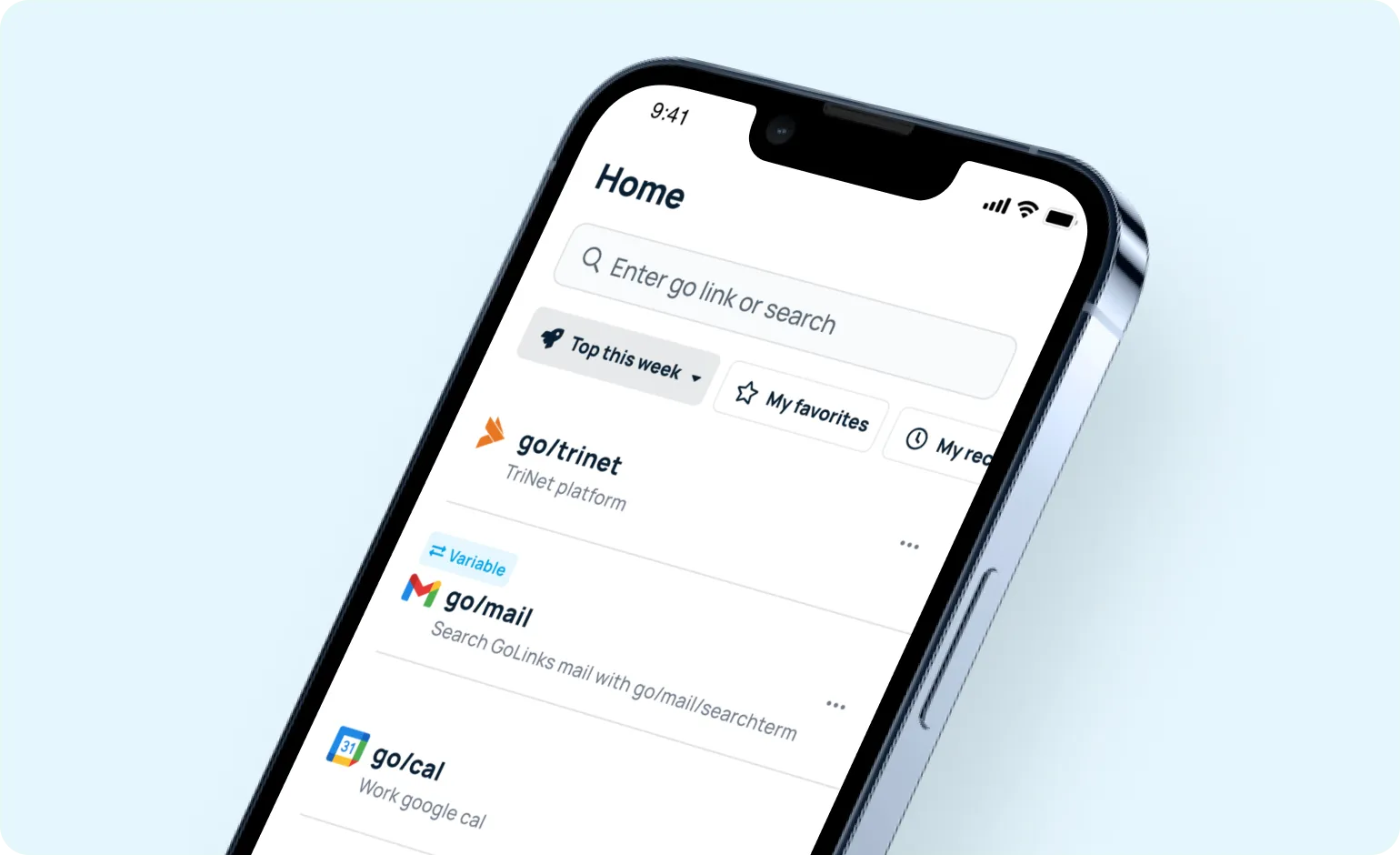
Explore your team's knowledge base
Get secure access to your company's entire GoLinks® library. Search for Go Links® and filter your dashboard by top, favorite, and recent.
Get the free GoLinks® iOS app today
Download the appBrowser extensions
Integrate GoLinks® with your favorite browser
GoLinks® is available on all major browsers including, Google Chrome, Mozilla Firefox, Safari, Microsoft Edge, Opera, and Brave.


